- Home
- Tatta for Construction
Track project costs while the work is still under way.
Build the project budget, process material requests from the site team, and match supplier bills against the materials that actually arrived on site. Compare actual costs with the budget at any time, and bill the client by milestone.
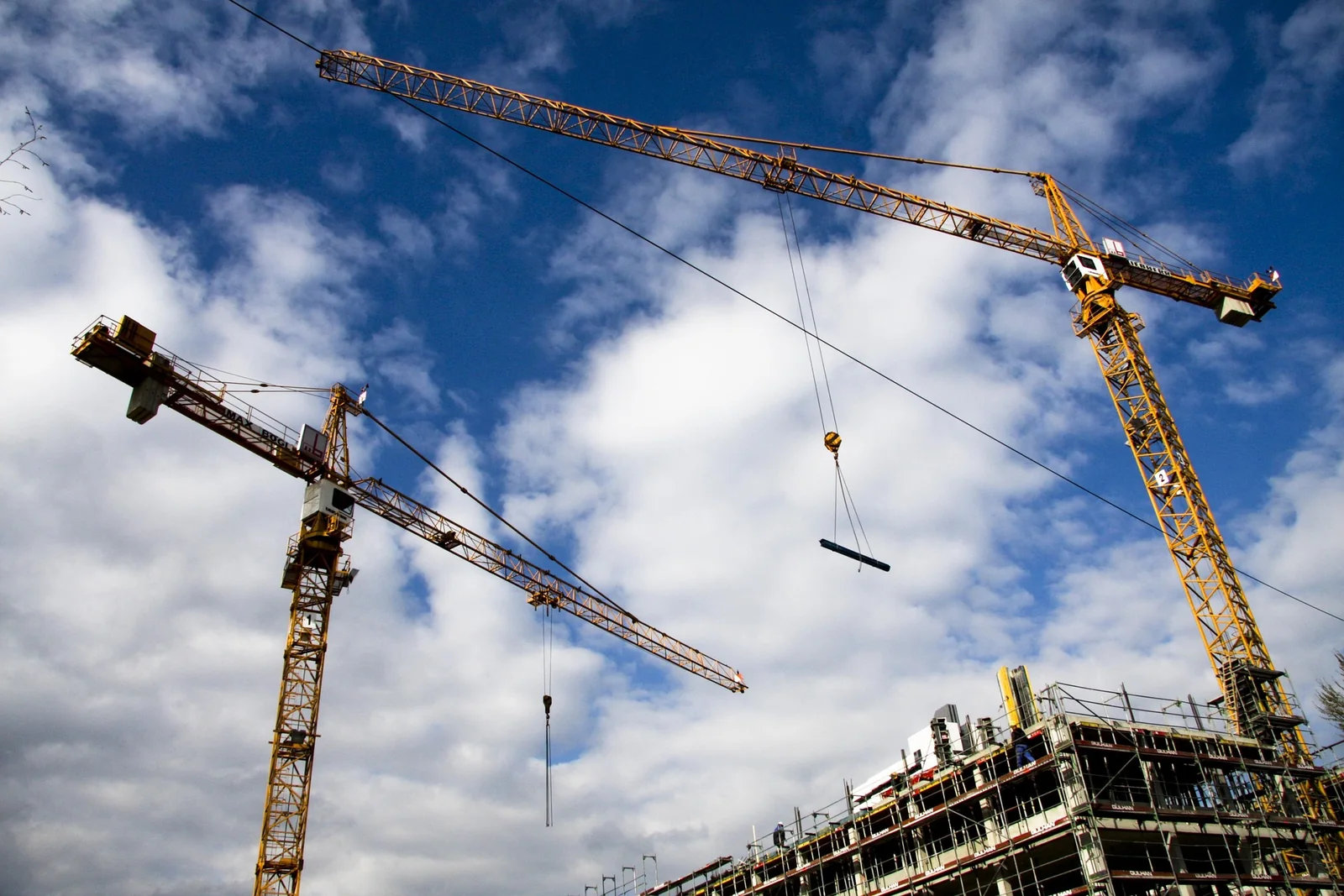
Keep project budgets in check from mobilization to handover
- Challenge 1
Material requests from site only by phone or chat
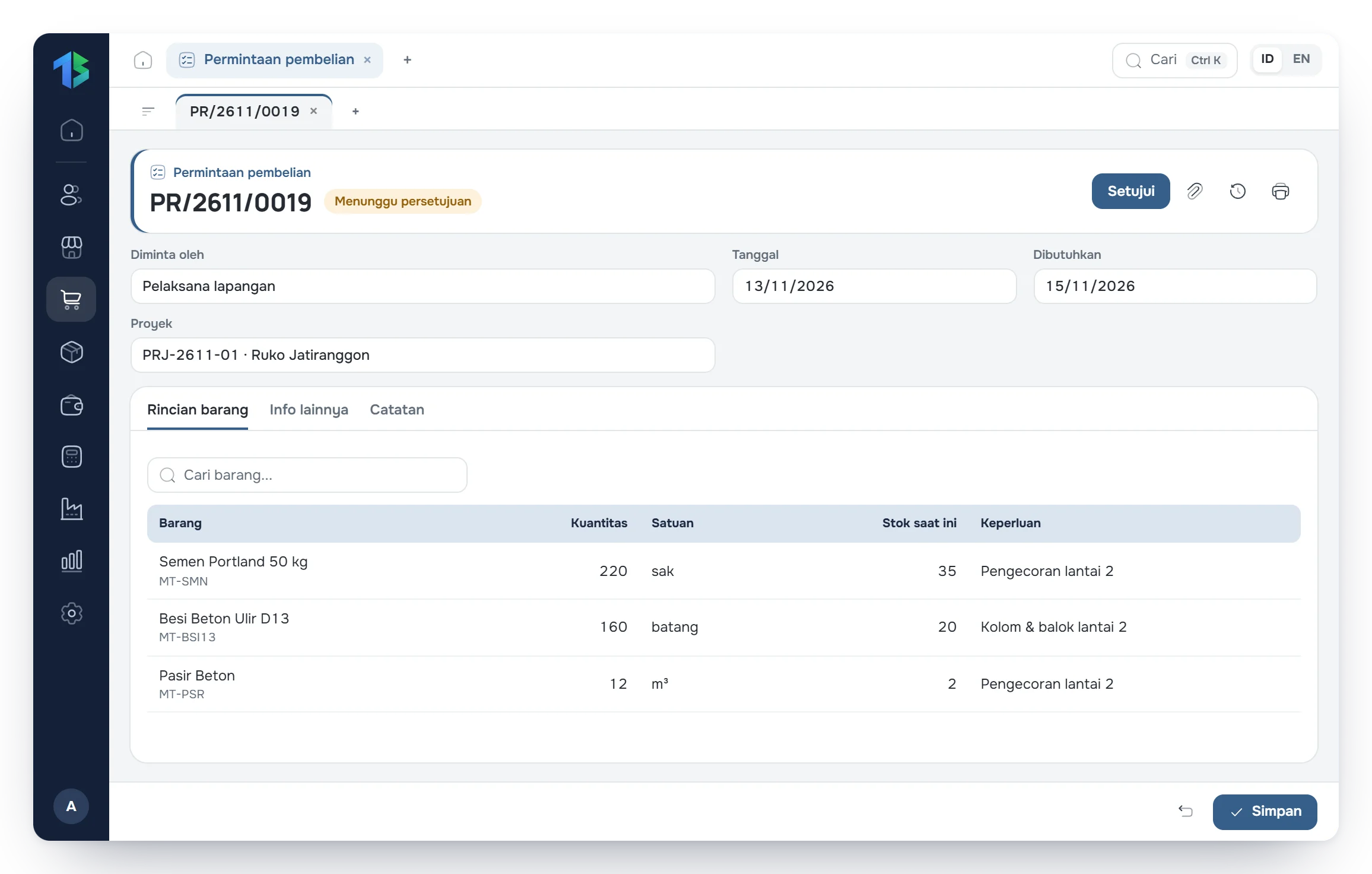
The site team creates a Purchase request in Tatta, and it goes straight to the purchasing team's worklist.
- Challenge 2
Supplier bills do not match what arrived on site
Supplier bills are created from the Goods receipt at the project site, so you only pay for materials actually received.
- Challenge 3
Cost overruns only discovered after the project ends
Actual project spending is compared directly with the budget (RAB), so cost gaps show up early.
Tatta for construction
Here is how Tatta solves it
The views below follow Tatta menus set up for this kind of business.
Material requests from site go straight to purchasing.
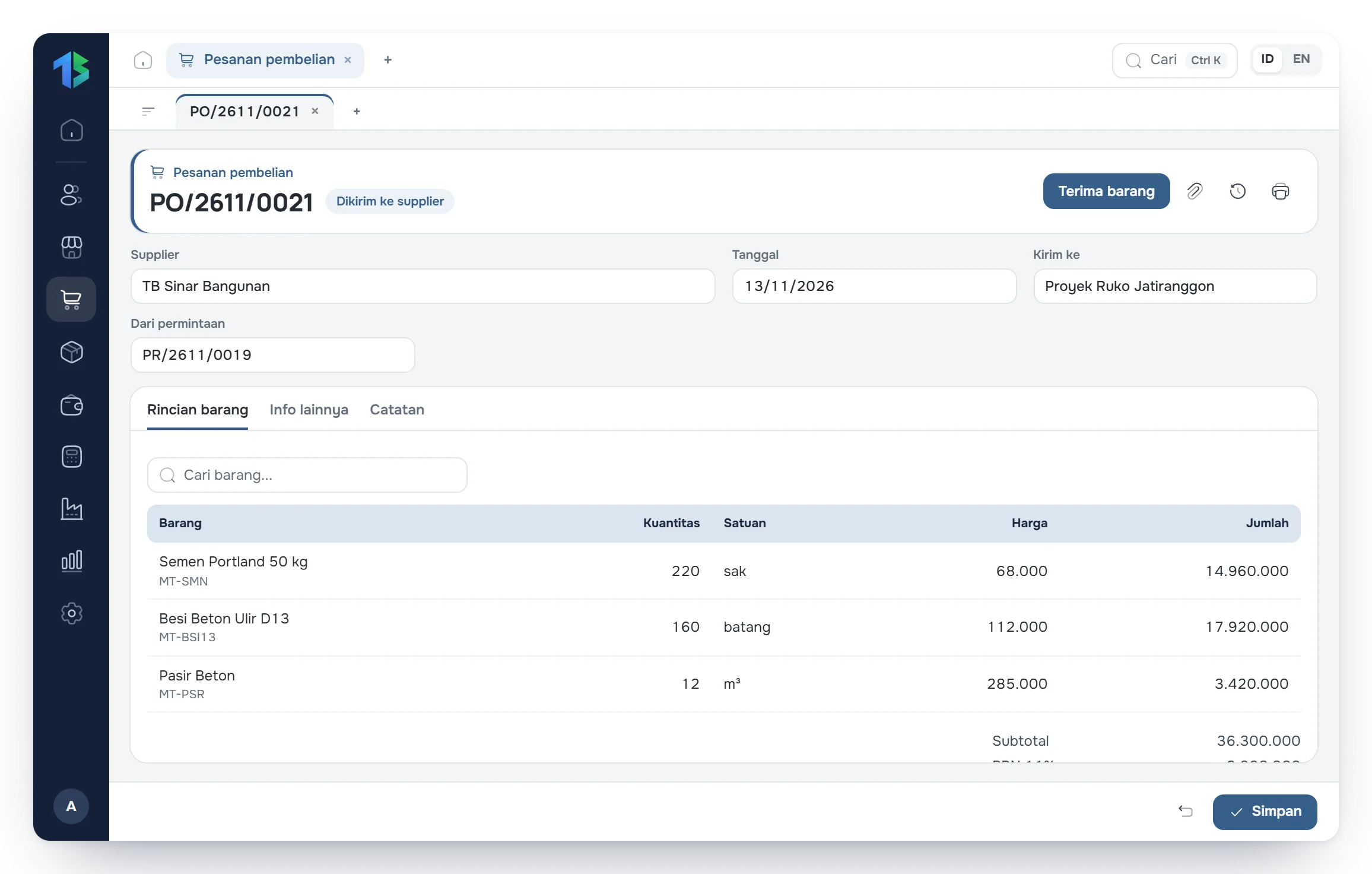
Site supervisors record the cement, steel, or other materials they need directly in Tatta. Purchasing reviews the request and turns it into a purchase order to the supplier without retyping.
- Quantity and required date per material
- One request can cover many materials
- Turned directly into a purchase order (PO)
Your workflow in Tatta
The routine for construction, from recording data to reading the reports.
Step 1: Build the budget (RAB) and contract value for each project.
Step 2: Turn material requests from site into purchase orders.
Step 3: Record materials arriving on site, then match them with supplier bills.
Step 4: Bill the client by milestone and compare actual costs with the budget.
FAQ
Frequently asked questions
Can't find your answer? Our team can help over chat, WhatsApp or email.