Sales & purchasing features
From quotationto paid in full,no retyping.
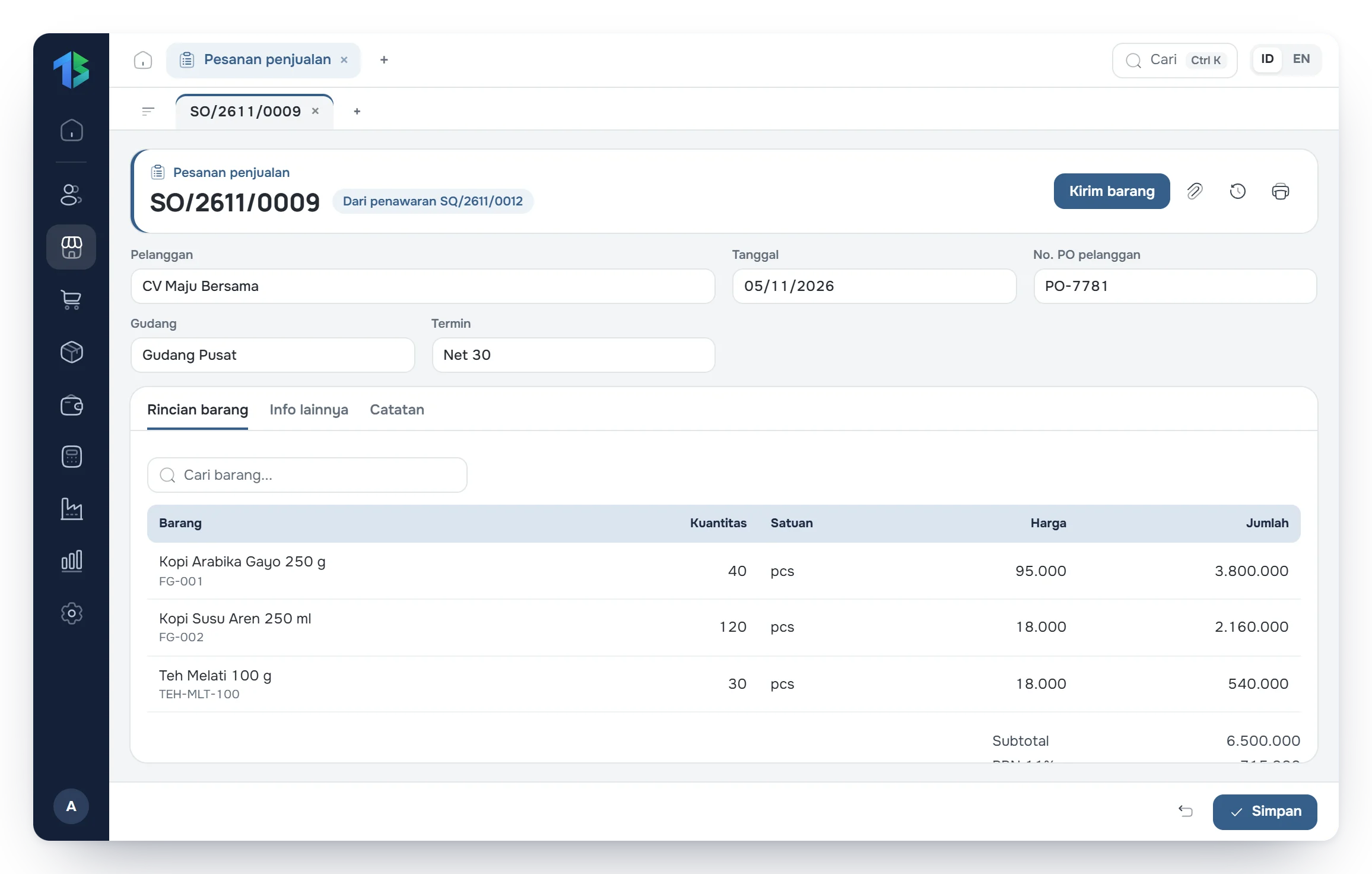
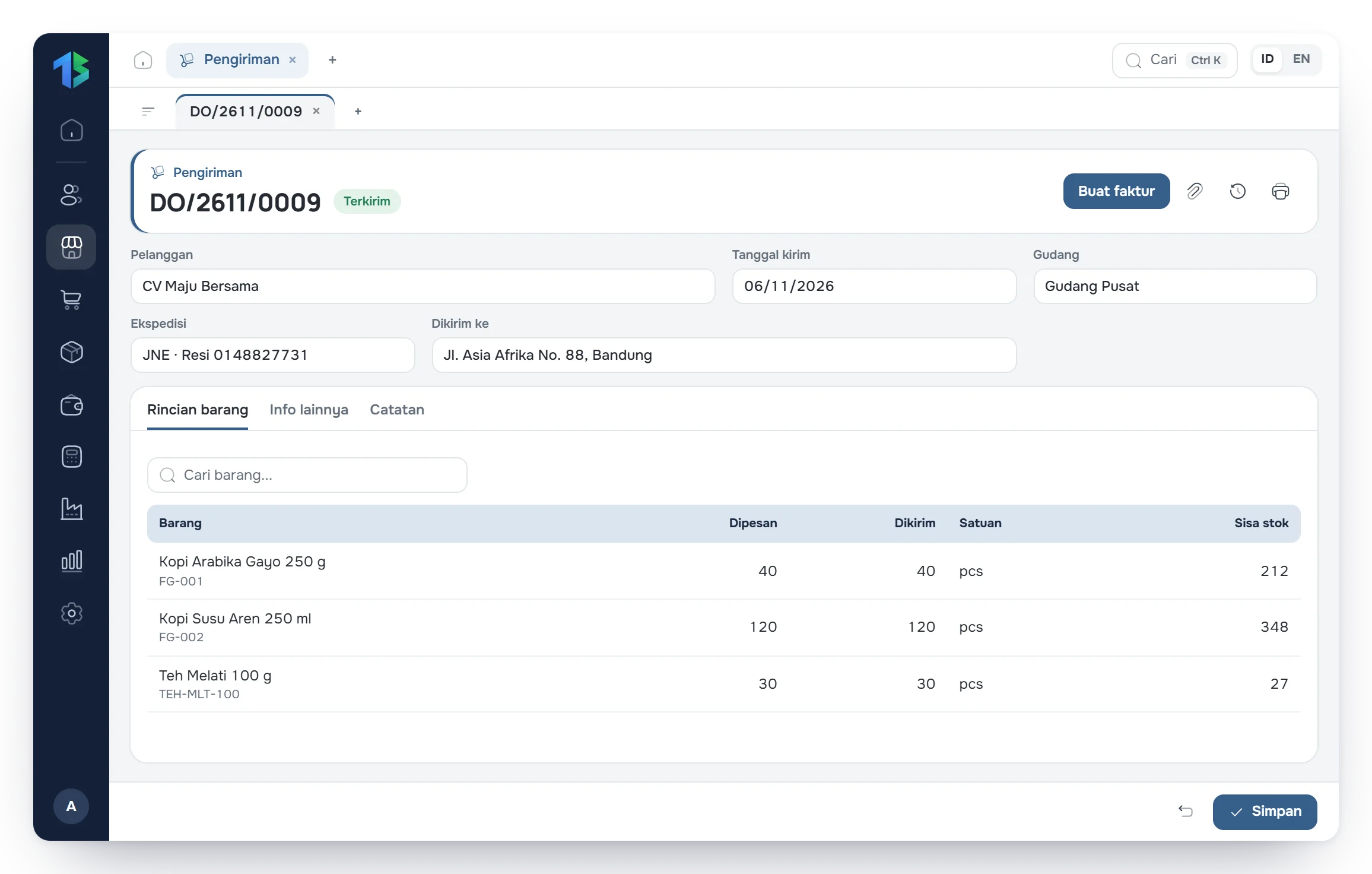
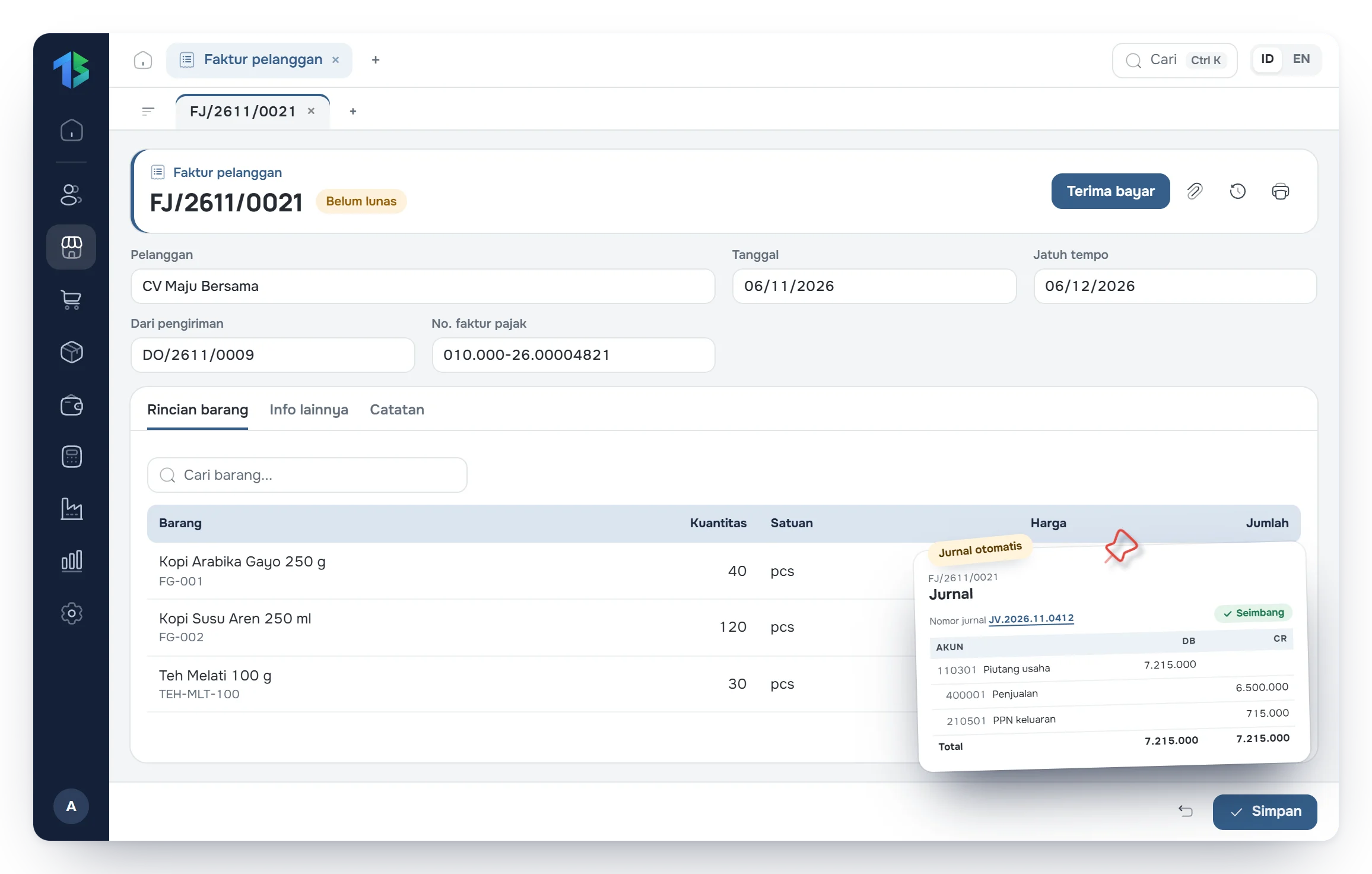
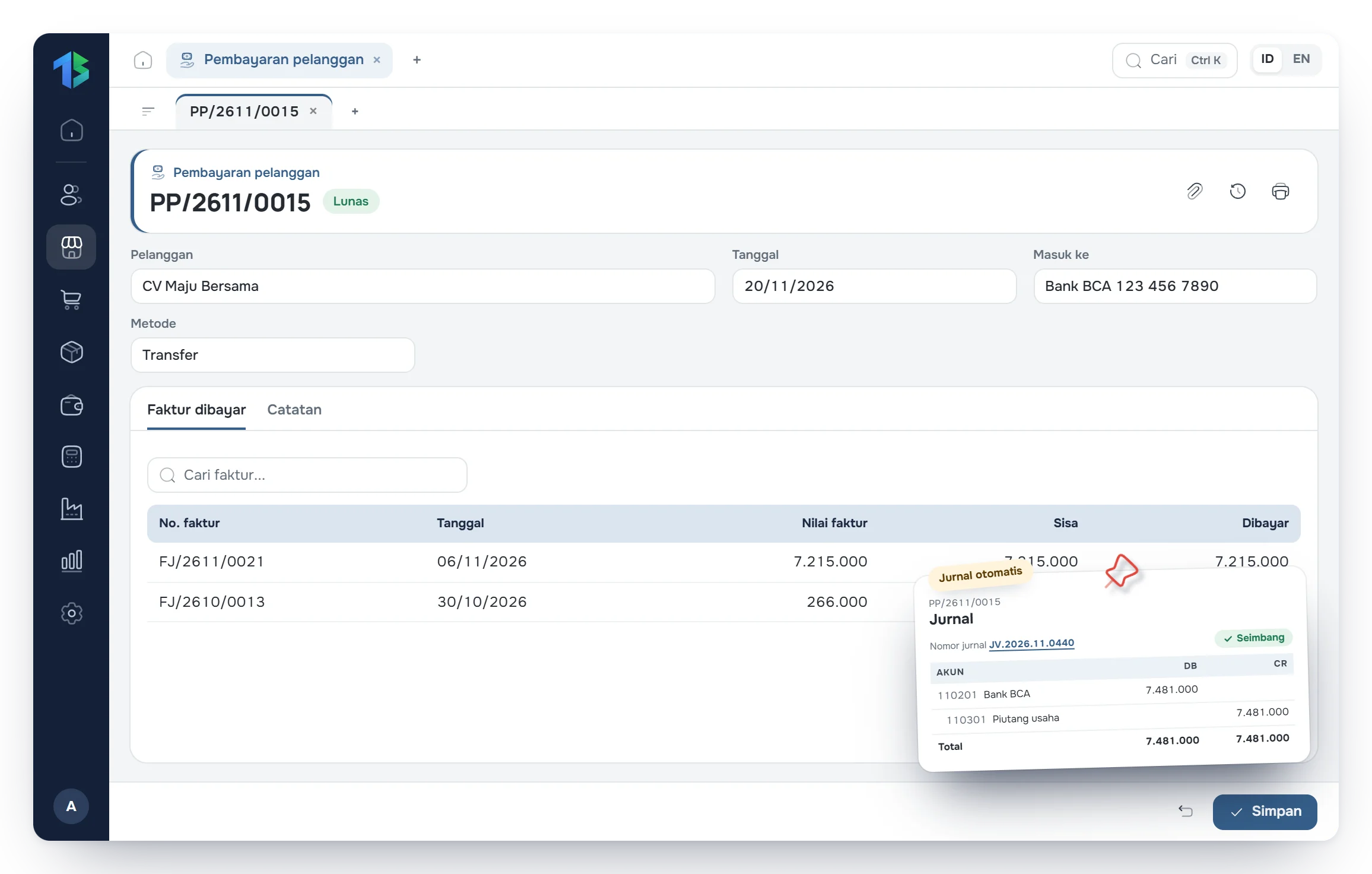
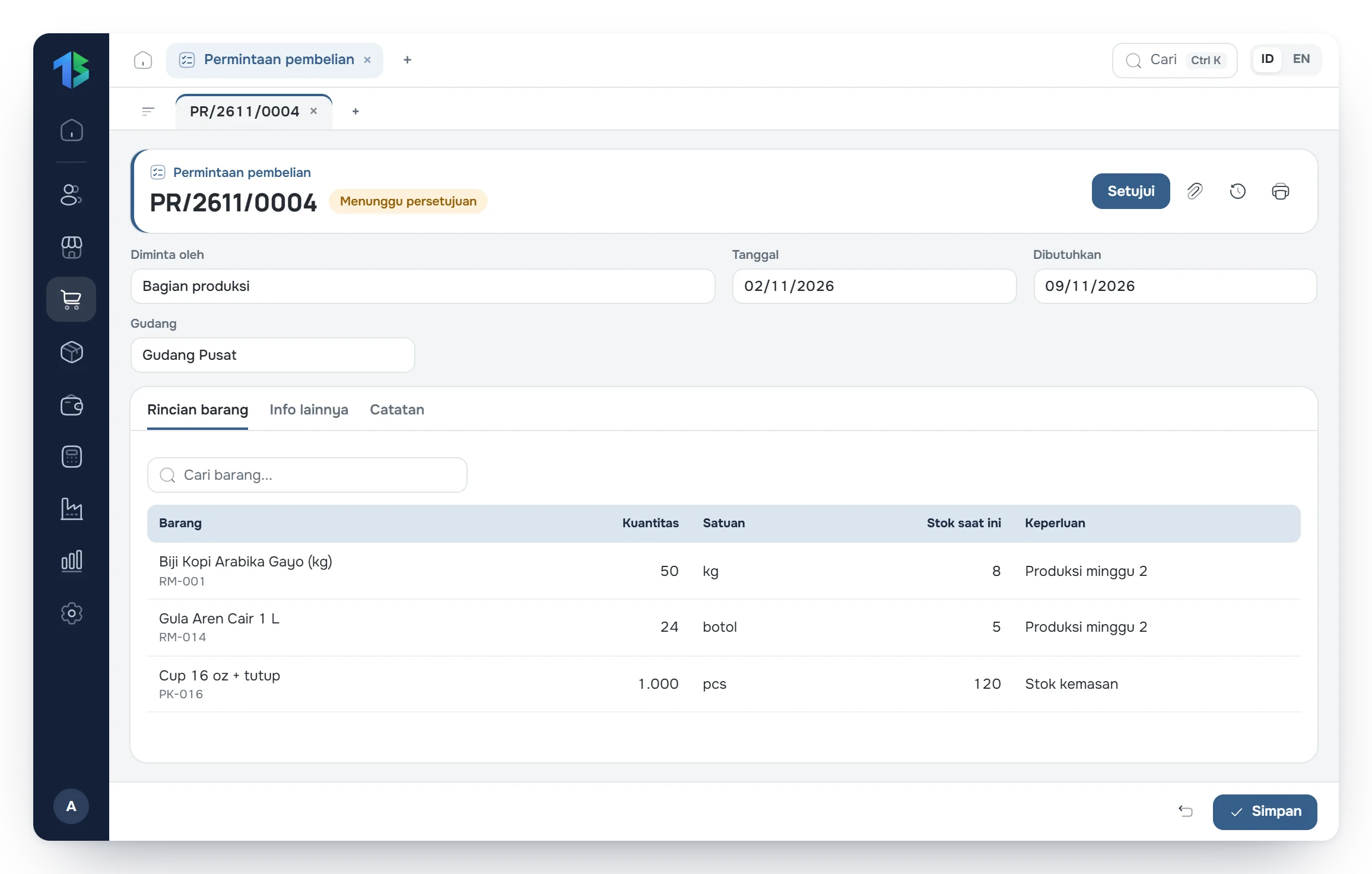
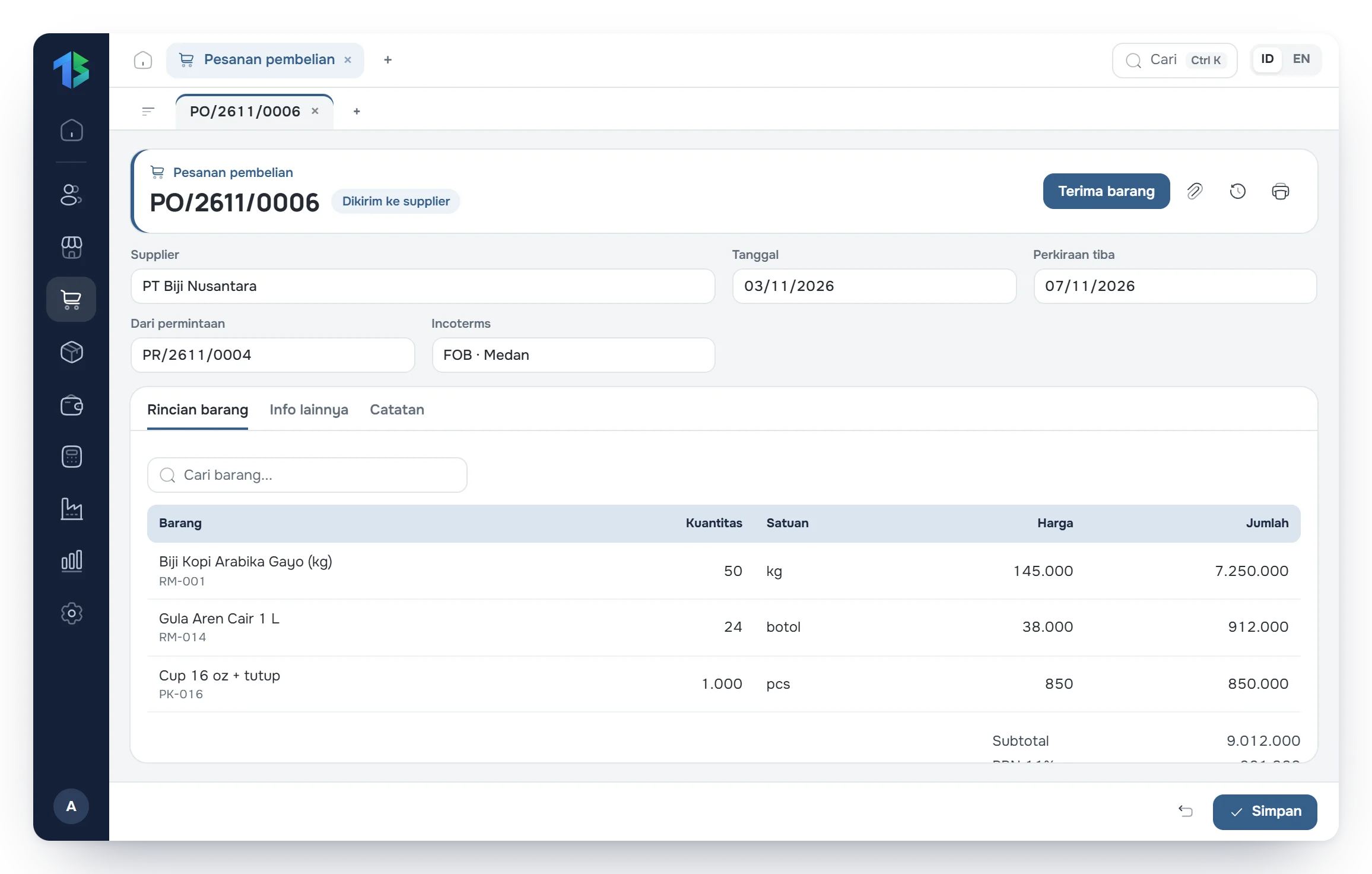
Every document is created from the one before it. Stock, receivables, payables and journals update automatically.

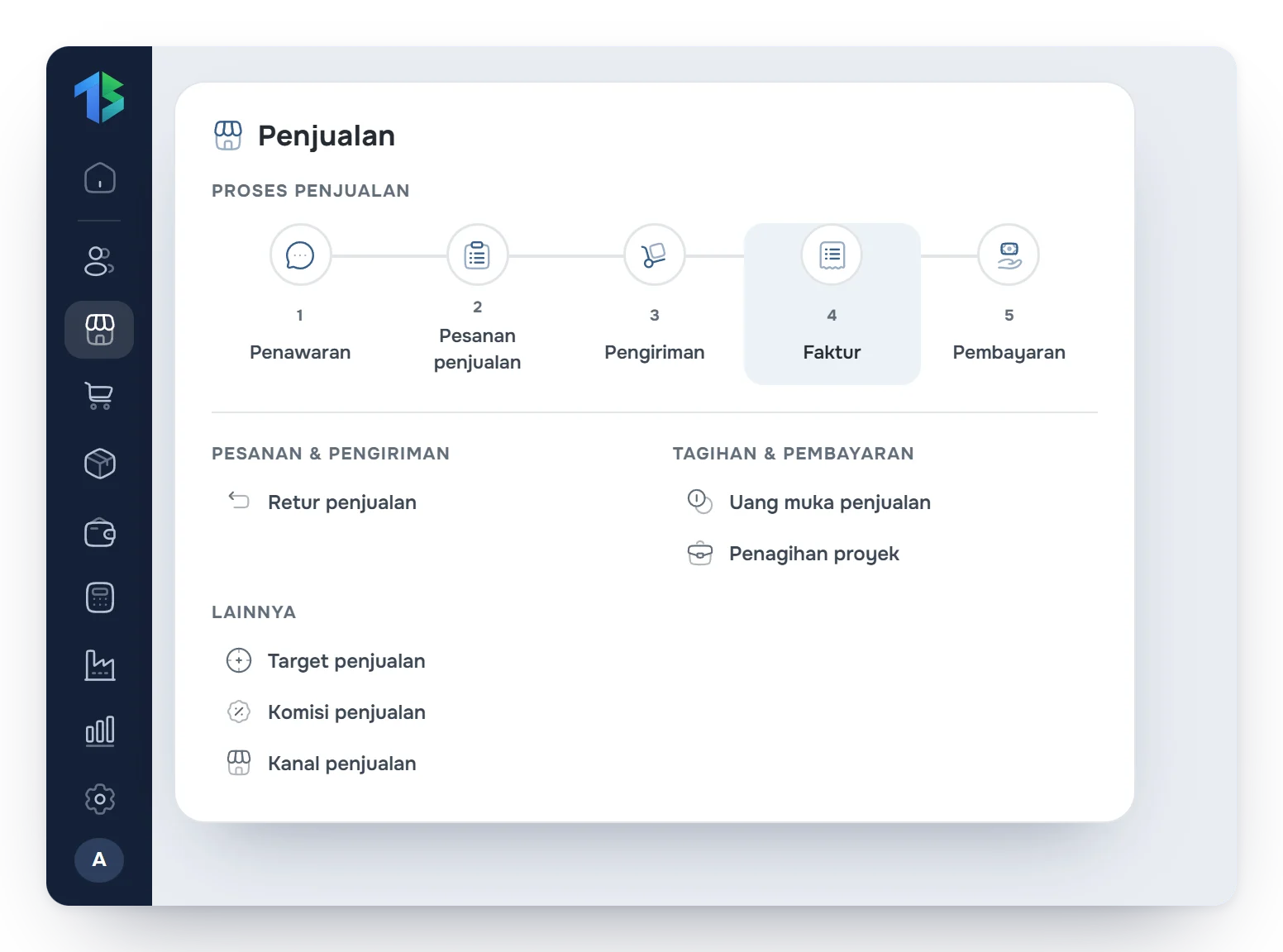
Sales flow
An orderly sales cycle, from quotation to cash received.
Five menus in one flow. Customer, items and prices are entered once, on the quotation.
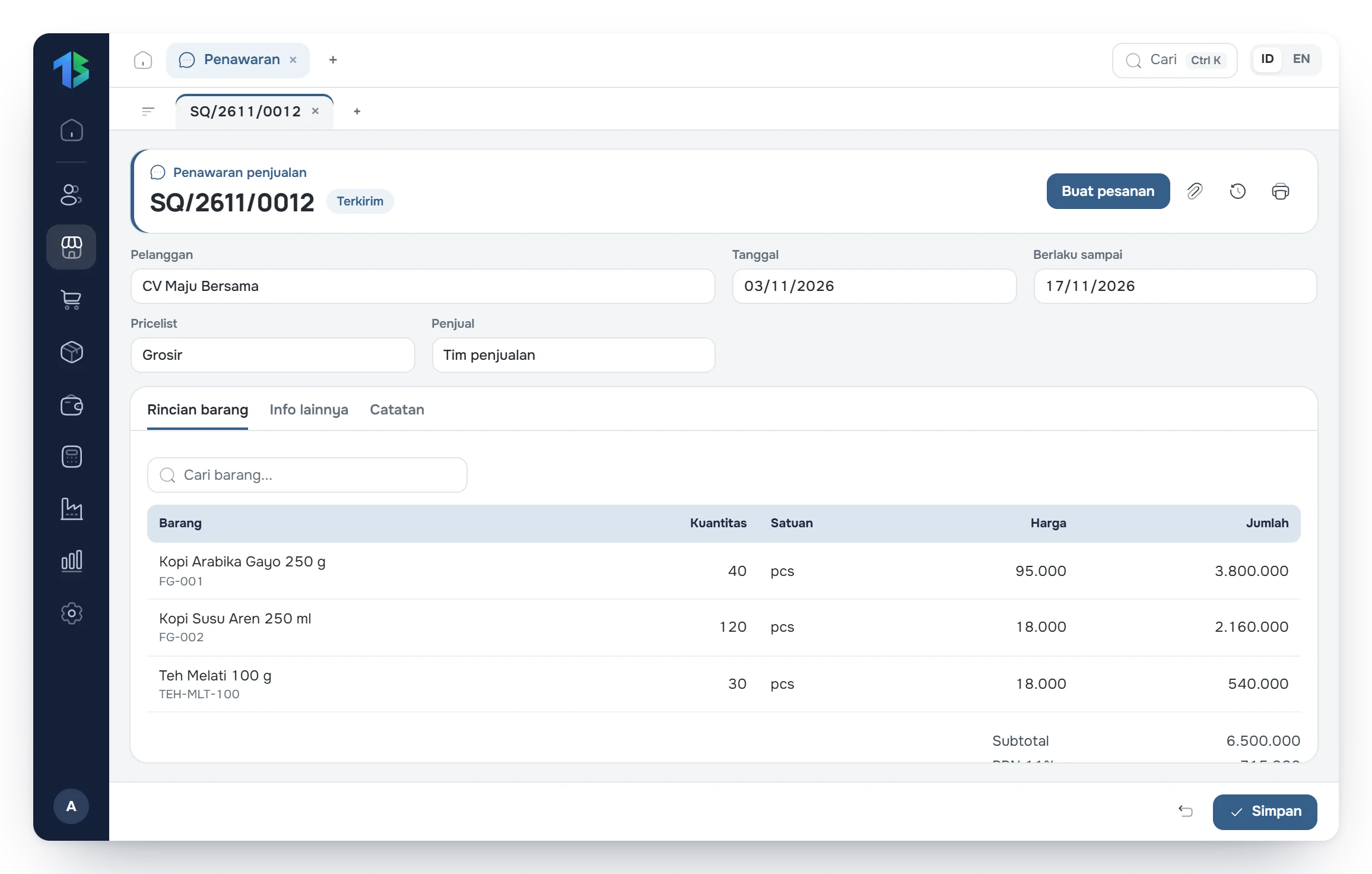
Sales quotationStep 1 of 5
Issue quotations priced for each customer.
Pick the customer and items; prices fill in from the customer's price category. Once the customer agrees, process the quote into an order.
- Price per customer category
- Print or send as PDF
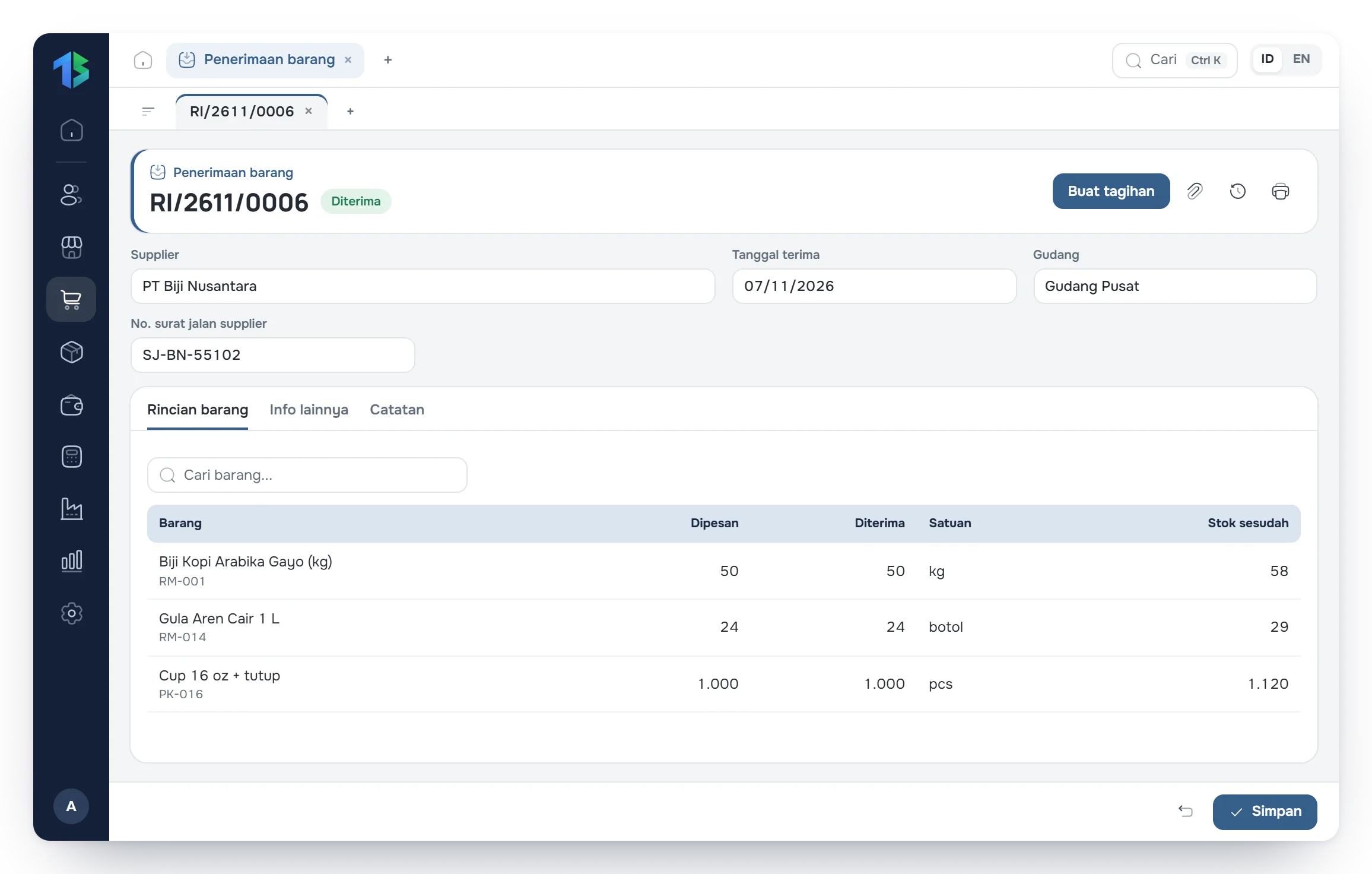
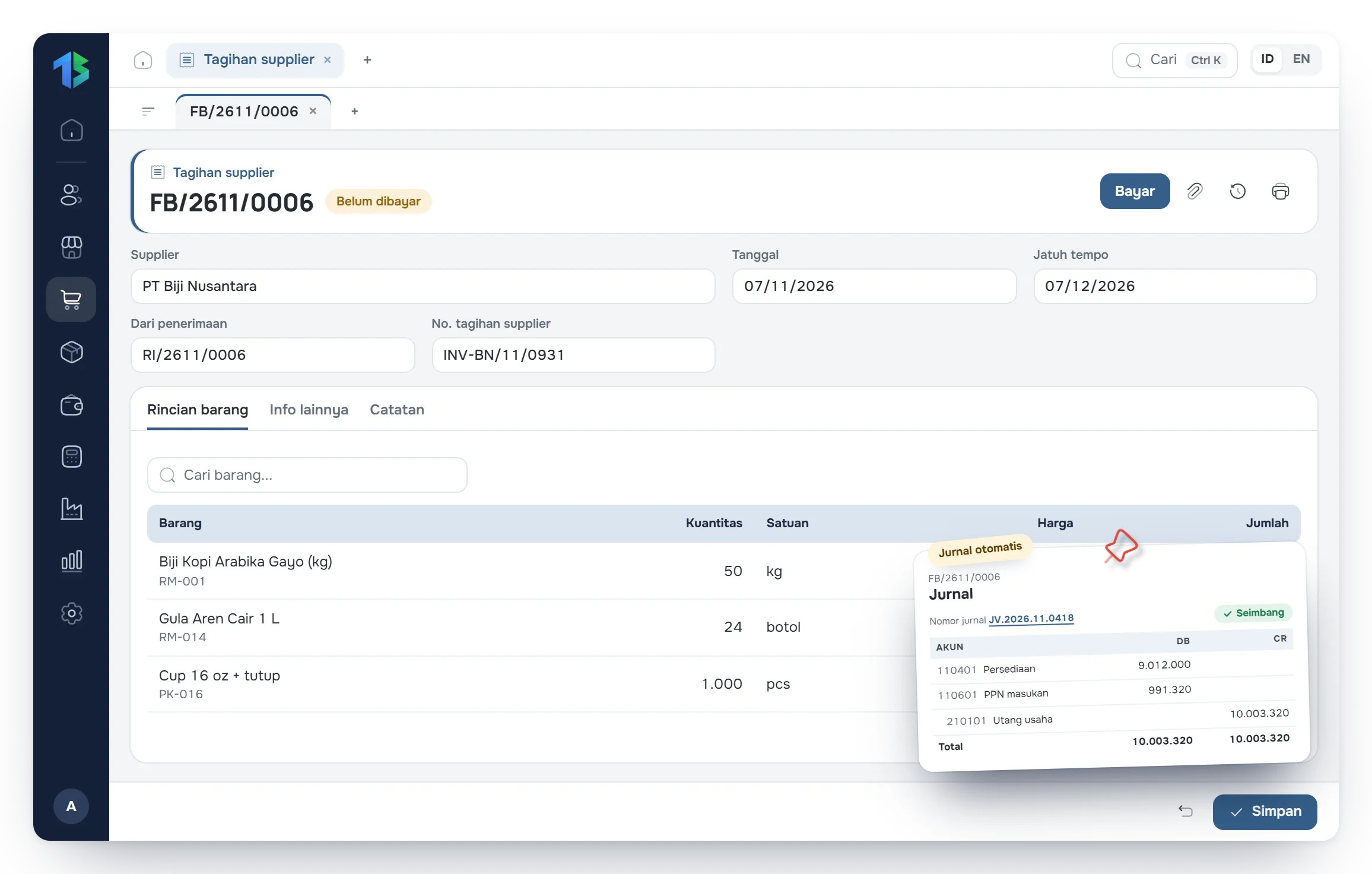
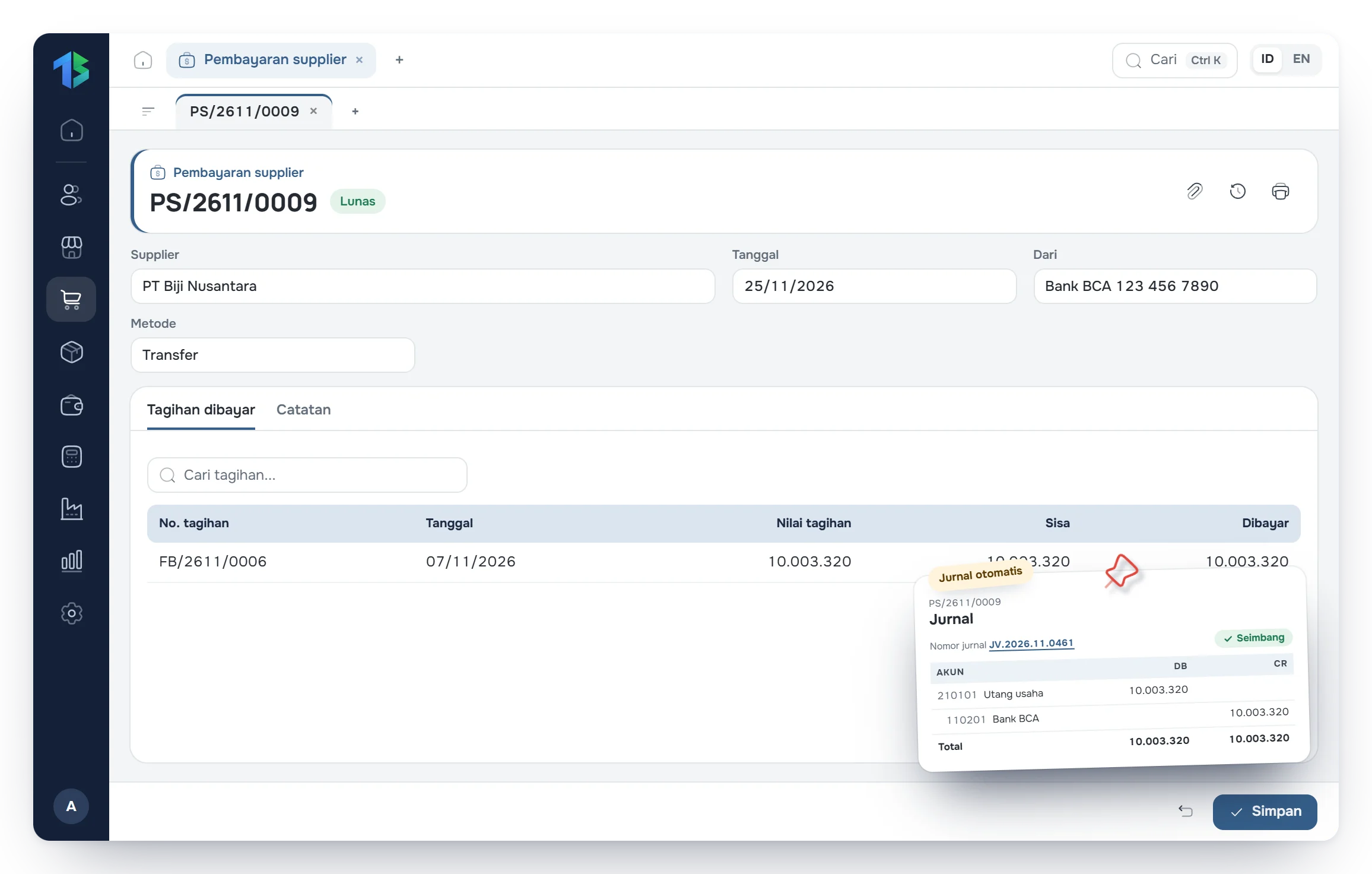
Supporting transactions also included.
Down payments
Record sales and purchase down payments, then deduct them on the invoice or bill.
Returns
Sales and purchase returns, with stock adjusted automatically.
Price categories & rules
Different selling prices per customer category, and new prices that take effect from a set date.
Targets & commission
Sales targets per period and salesperson commission.
Supplier price lists
Purchase prices per supplier, used when creating a PO.
Invoice design
Six print templates with your logo, colors and numbering.