Step 1 · At first sign-in

Set up your company

Choose your business type. Tatta sets up a matching chart of accounts and features, so you do not start from scratch.

  • Fill in your company profile and accounting start date
  • Check currency, tax, and document numbering
  • Import or add customers, suppliers, products, and warehouses
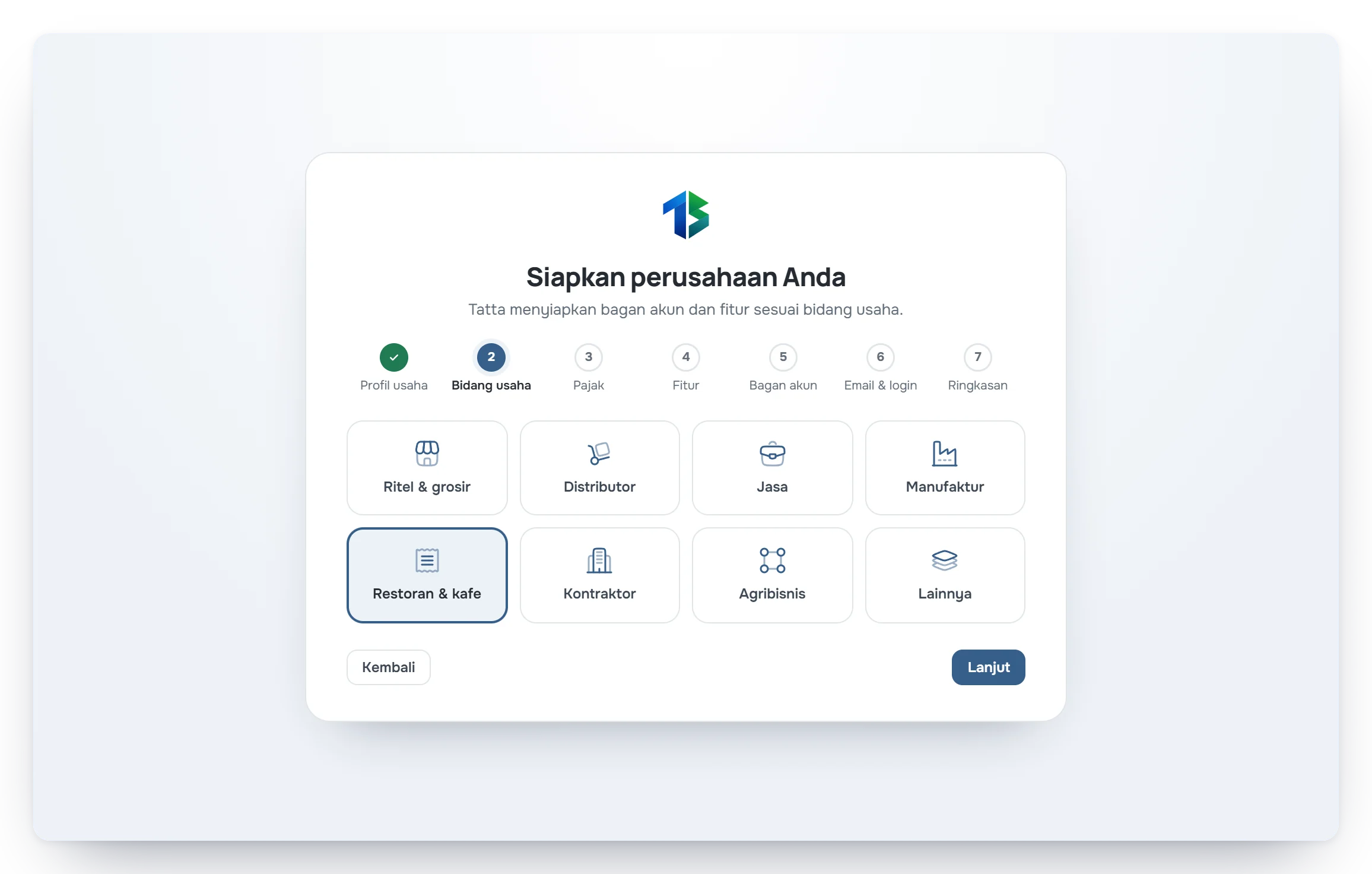
Layar pengaturan awal saat menyiapkan perusahaan baru di Tatta

Step 2 · Before you start transacting

Invite your team and set access

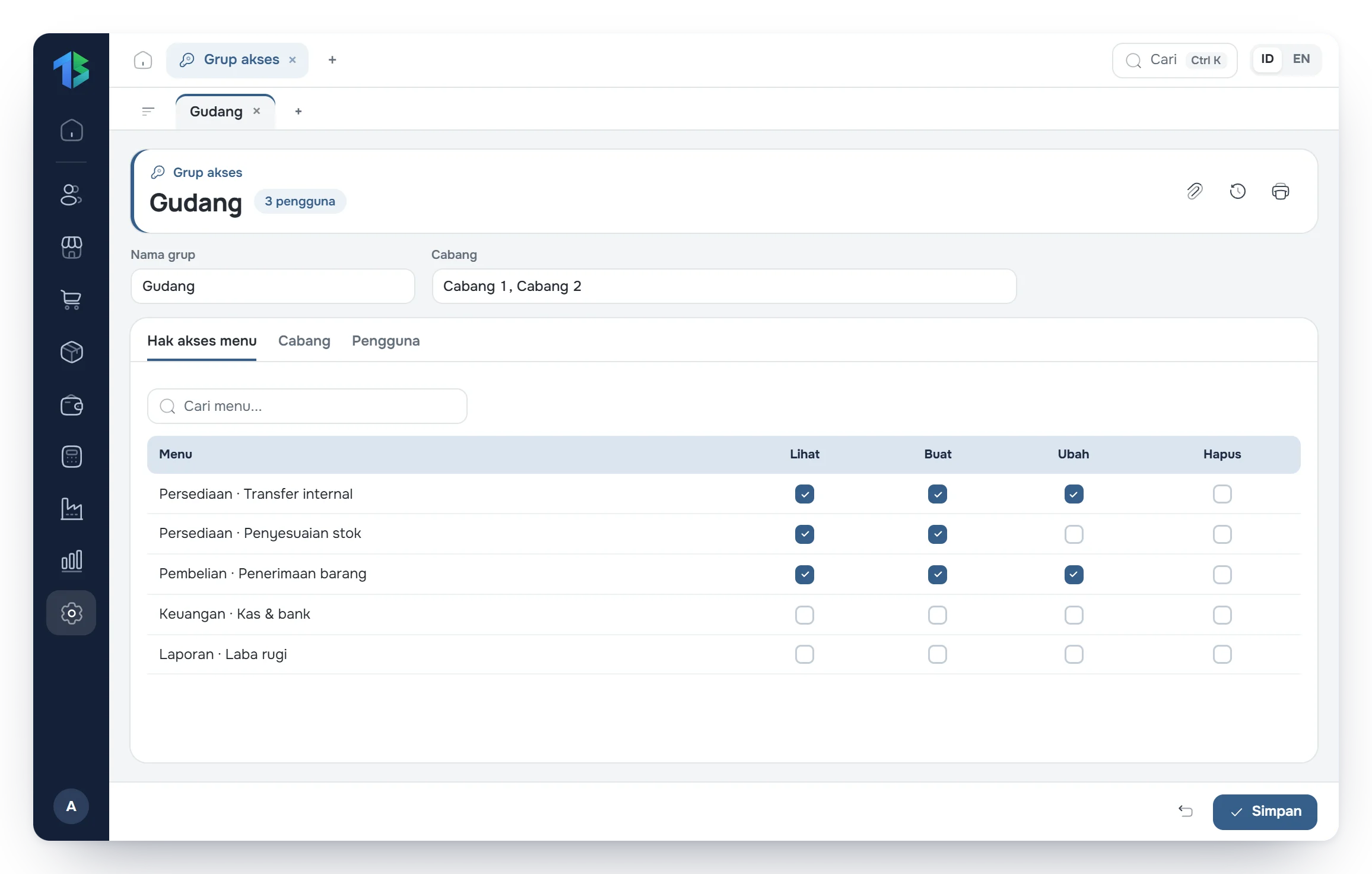
Each team member signs in with their own account and opens only the menus and branches they are responsible for. Financial data stays protected, and data changes are recorded in the activity log.

  • Add branches and warehouses
  • Invite team members and choose their access group
  • Choose which branches each user can open
Pengaturan grup akses dengan izin per menu

Step 3 · Everyday work

Record daily transactions

From day one you can create quotations and invoices. Stock, receivables, and journals update from a single entry.

  • Create invoices and email the PDF
  • Record purchase orders and check the goods received
  • Move stock between warehouses or run a stock count
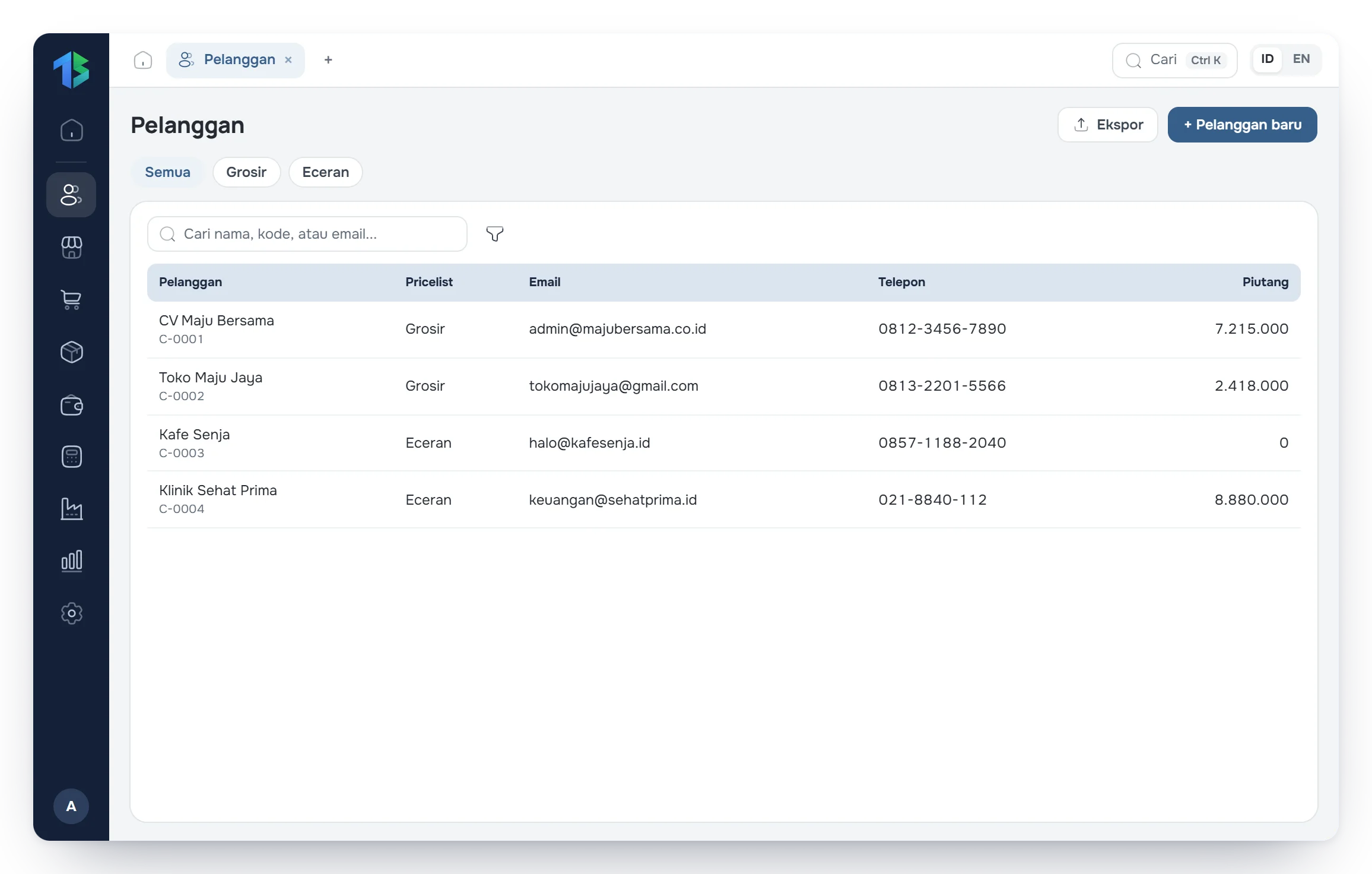
Daftar pelanggan dengan kode, kategori harga, dan alamat email

Step 4 · For manufacturers and contractors

Run production and projects

Tatta calculates material needs, unit cost per finished good, and project budget use. These numbers are your basis for pricing and protecting margins.

  • Build a bill of materials (BoM) for each finished product
  • Create production orders and track material use
  • Build the project budget (RAB) and bill clients per milestone
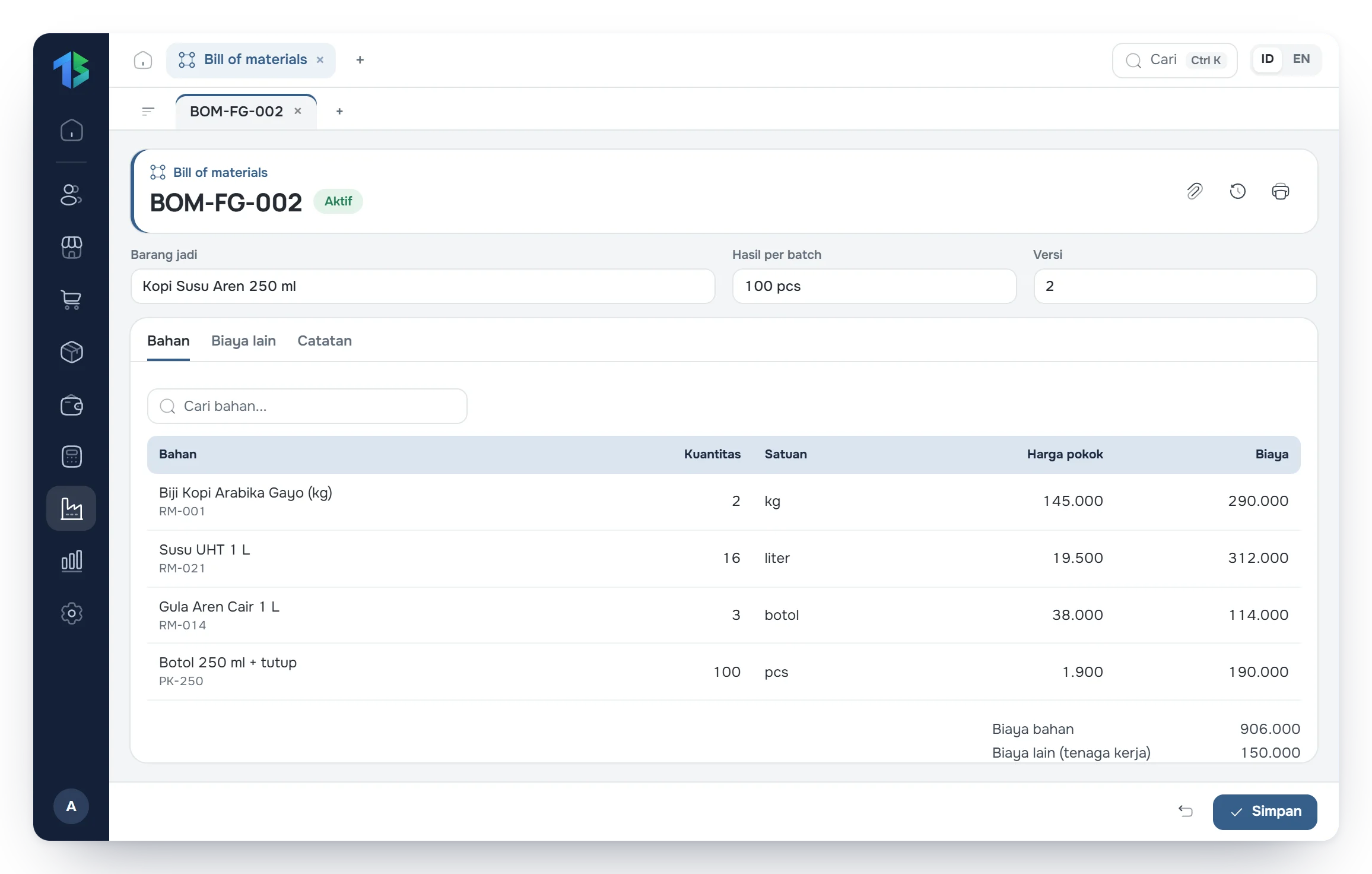
Rincian daftar bahan (BoM) berisi takaran bahan baku dan kemasan

Step 5 · Any time

Read your financial reports

Profit and loss, balance sheet, cash flow, and receivable aging can be opened any time, without waiting for the month-end recap.

  • Filter reports by period or branch
  • Click a figure in a report to see the transactions behind it
  • Export reports to Excel or PDF
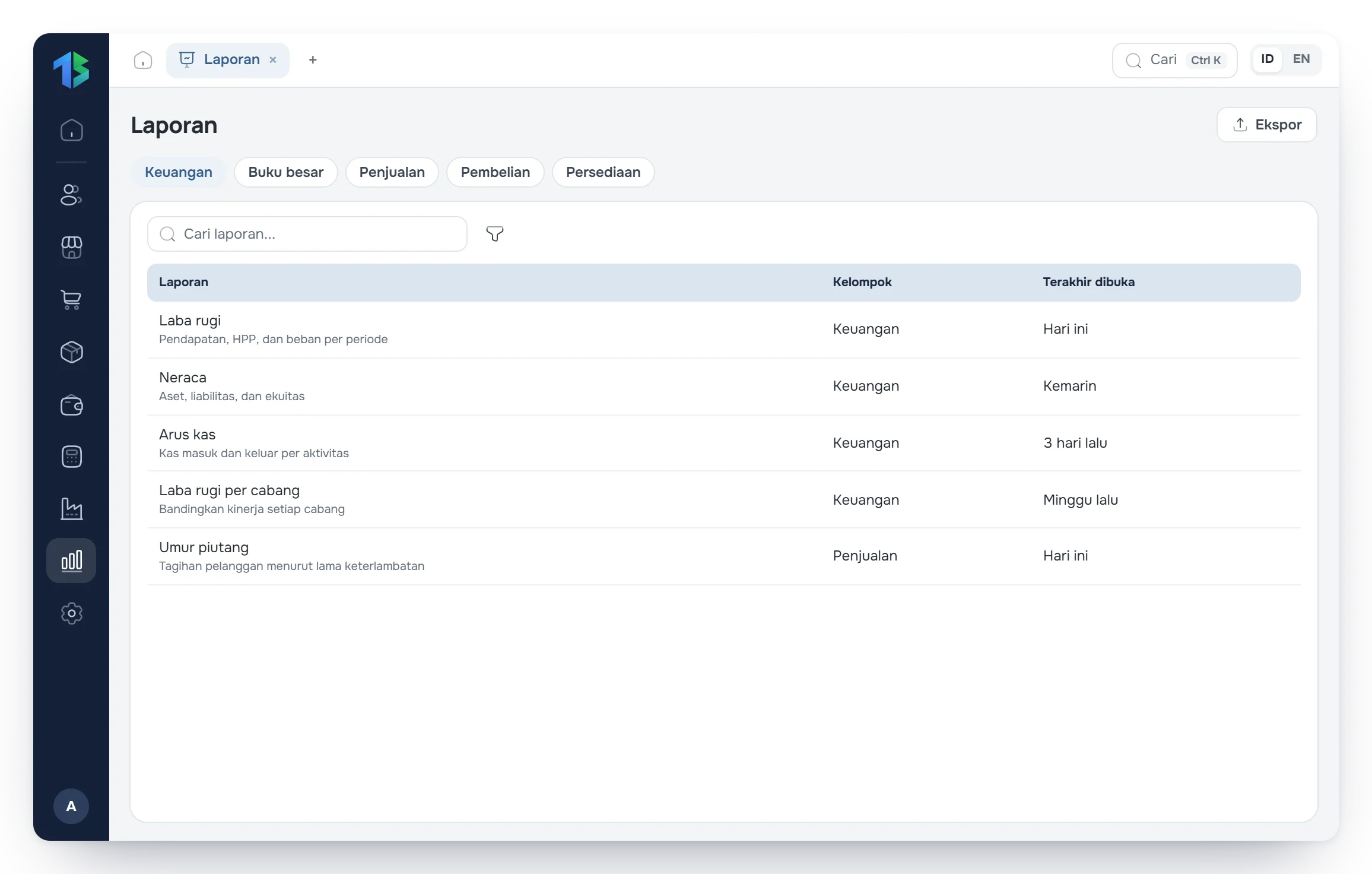
Daftar laporan Tatta: keuangan, buku besar, penjualan, pembelian, dan persediaan