Team & control features
Many branches,many users,access under control.
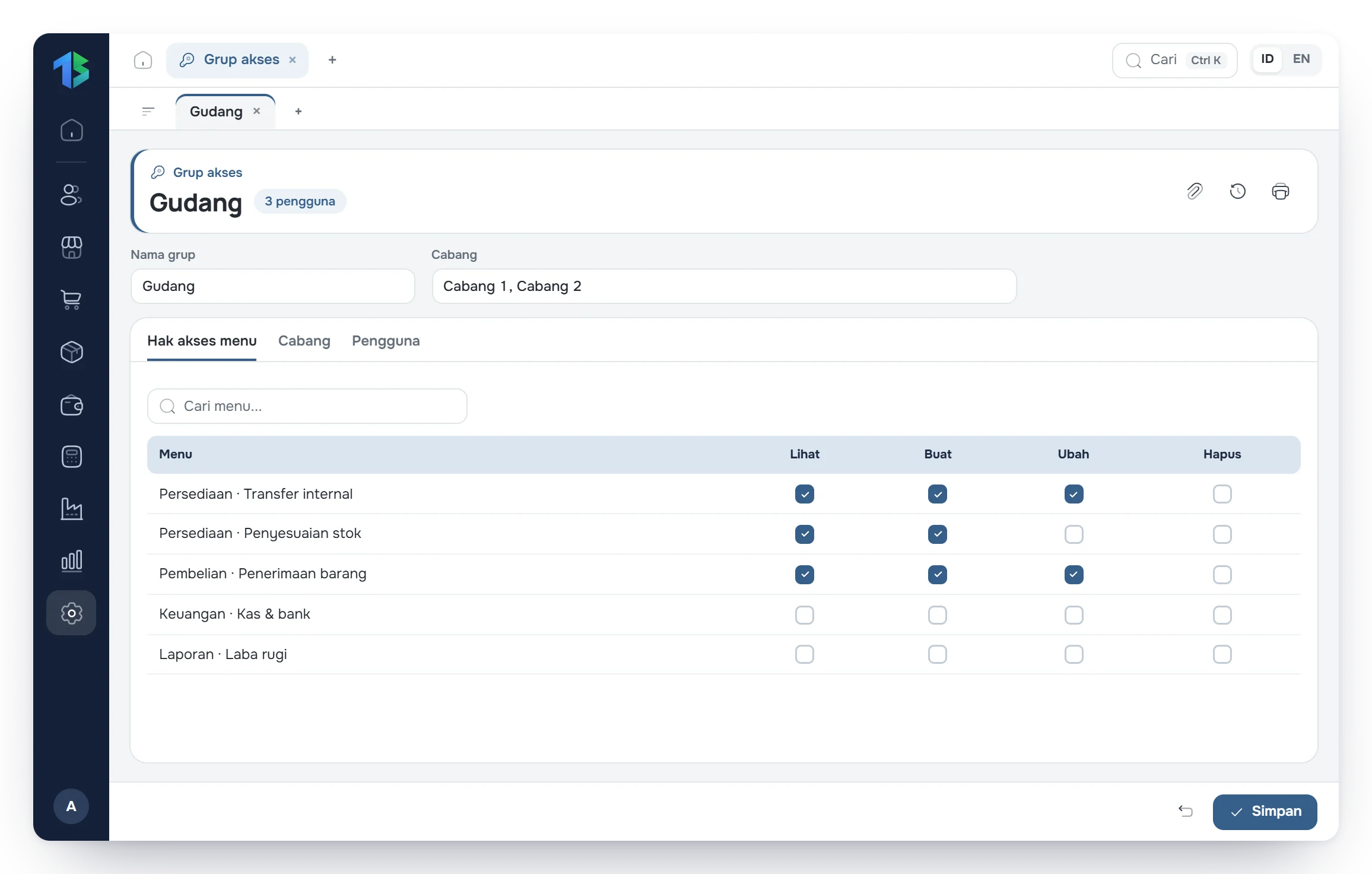
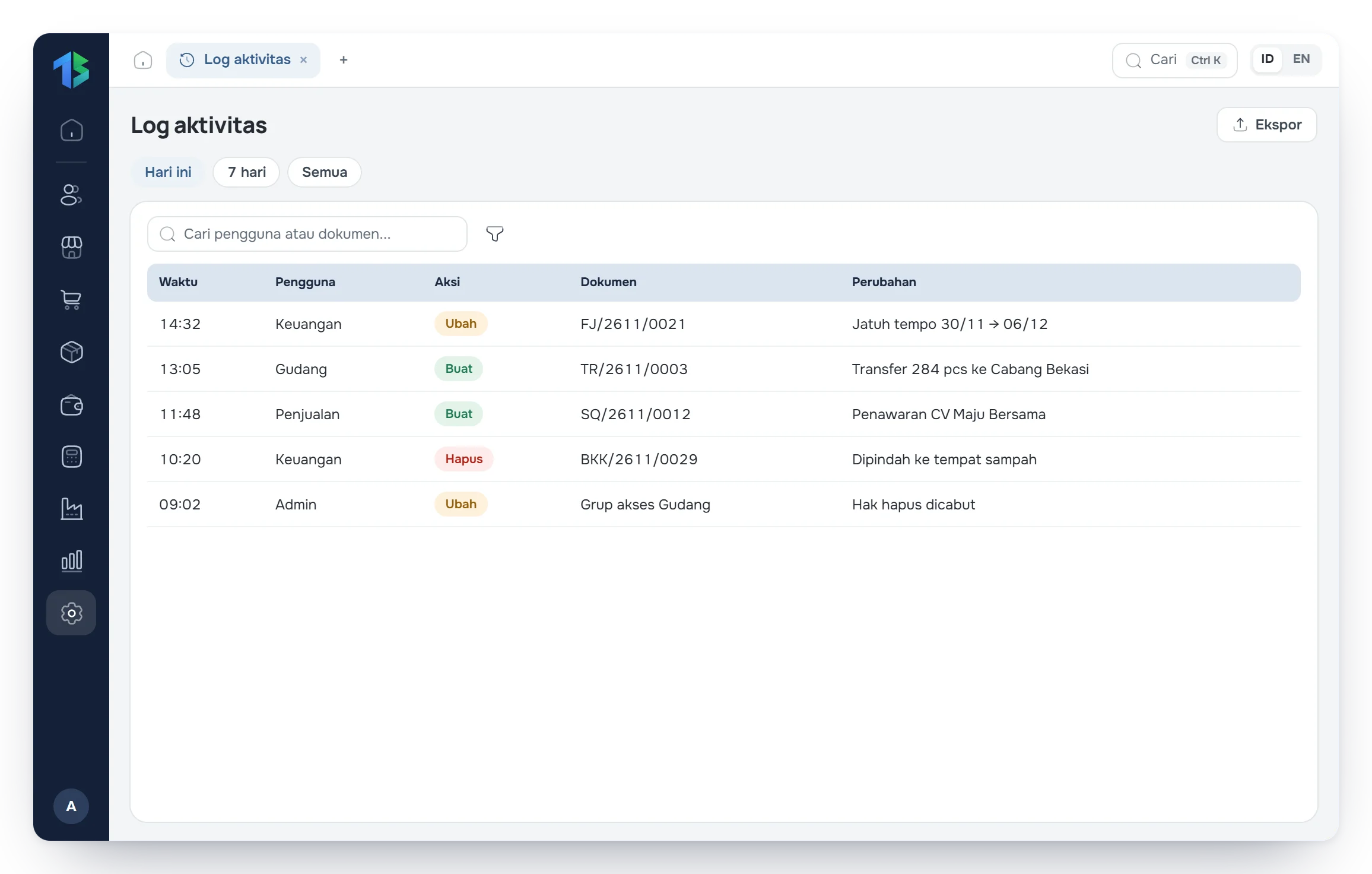
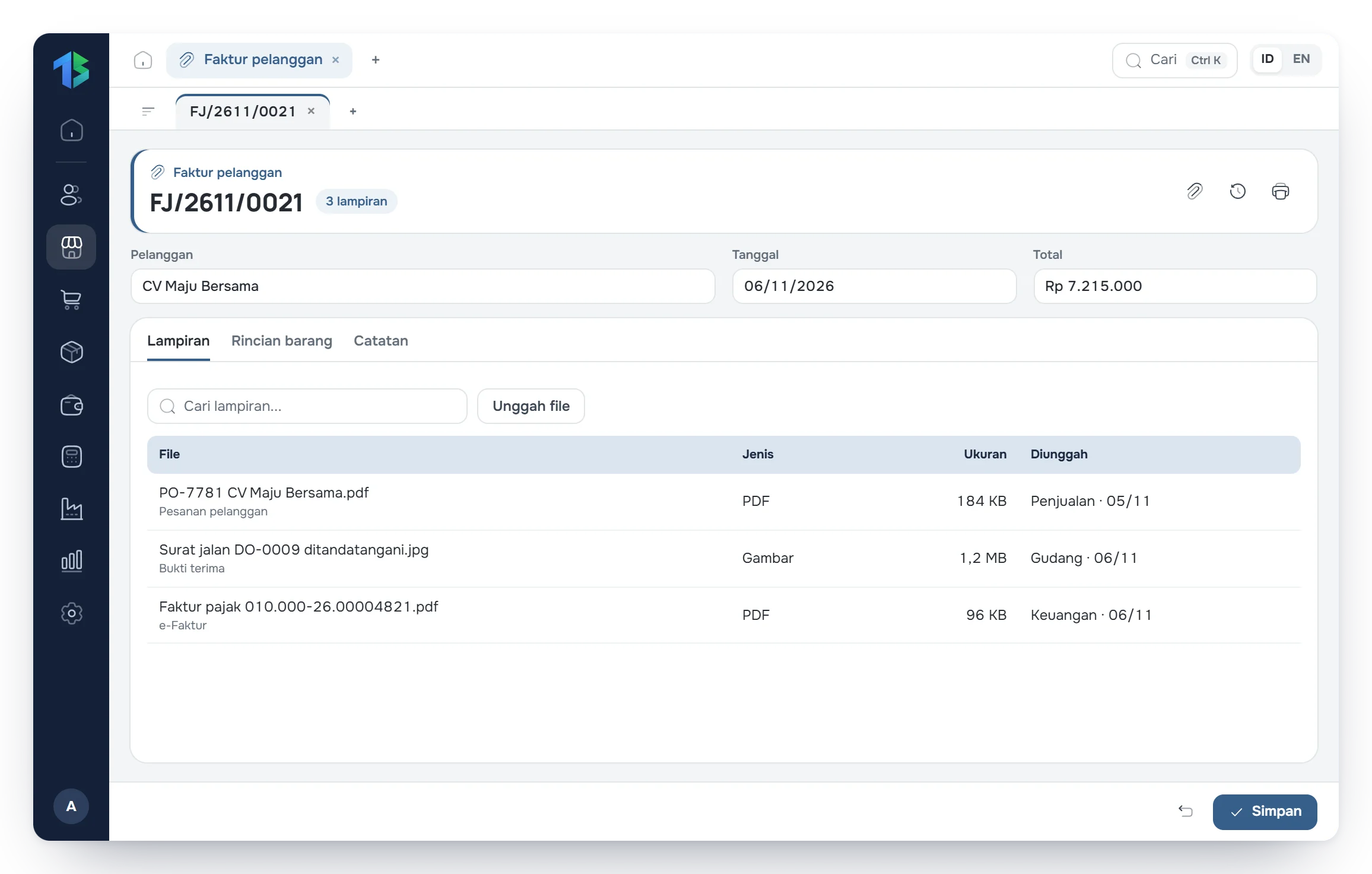
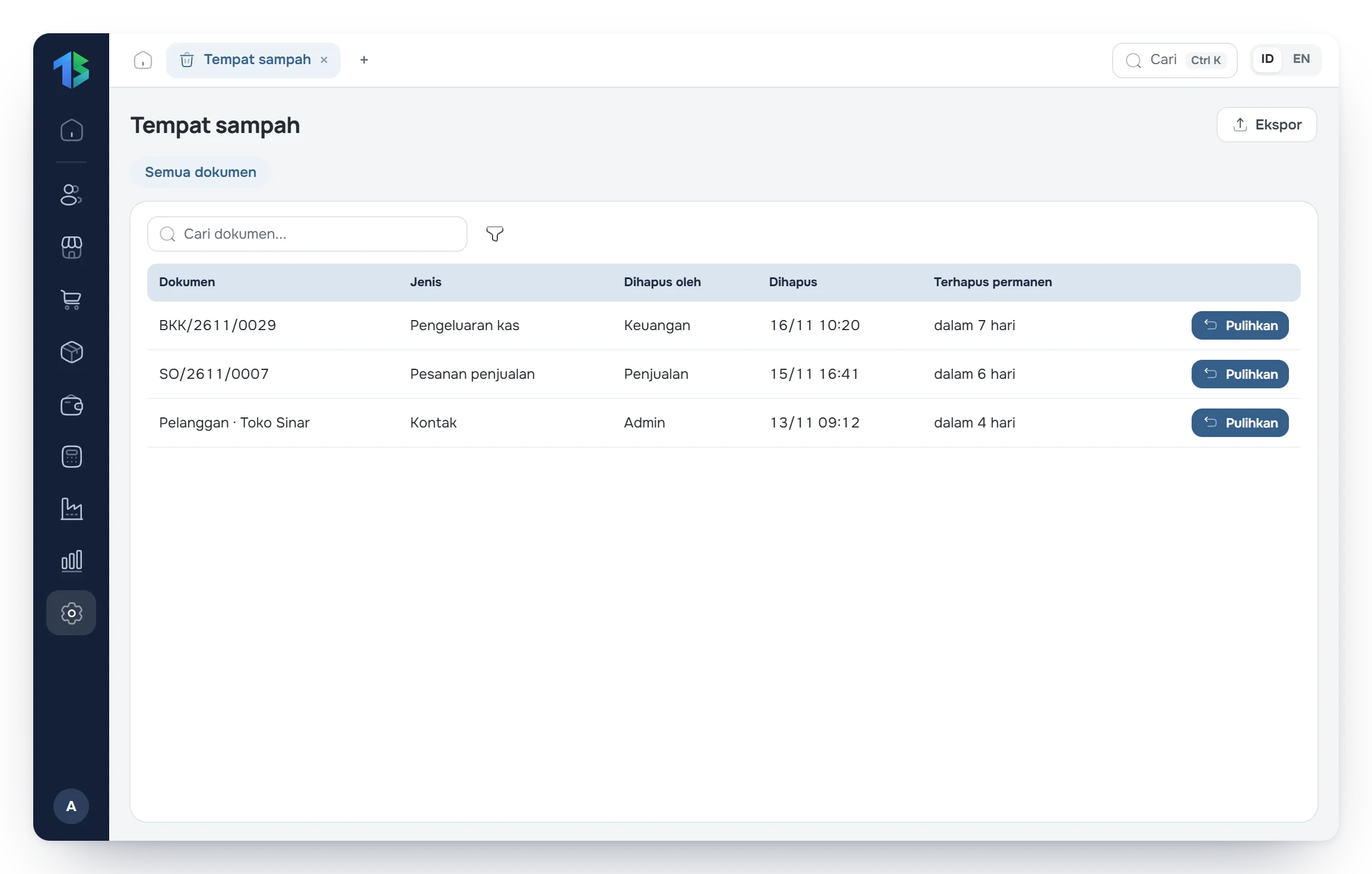
Decide which menus each user can open and which branches they work in. Every change is logged, and proof stays on its transaction.

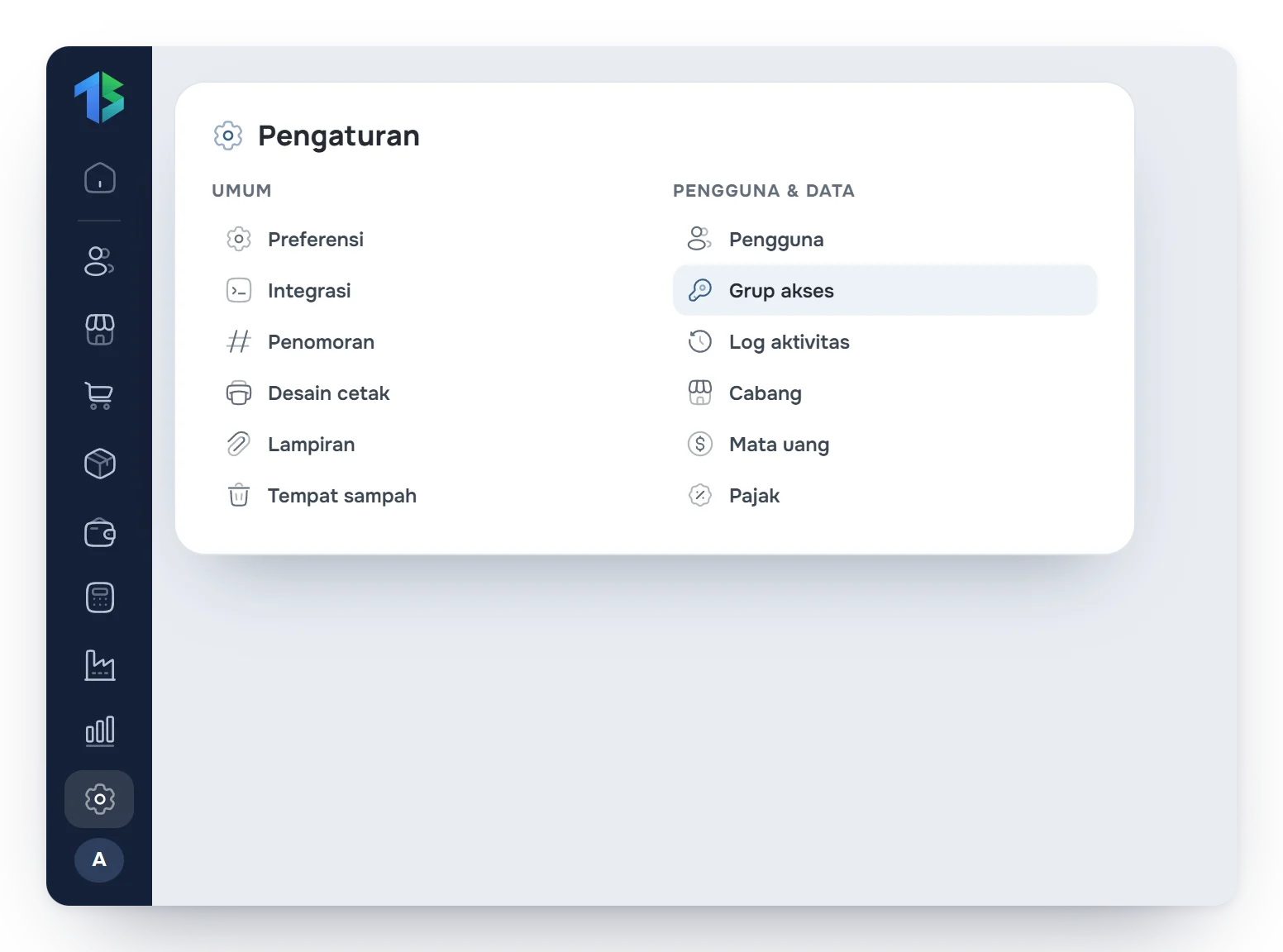
Team governance
Everyone works within their role.
From adding a branch to restoring a deleted document.
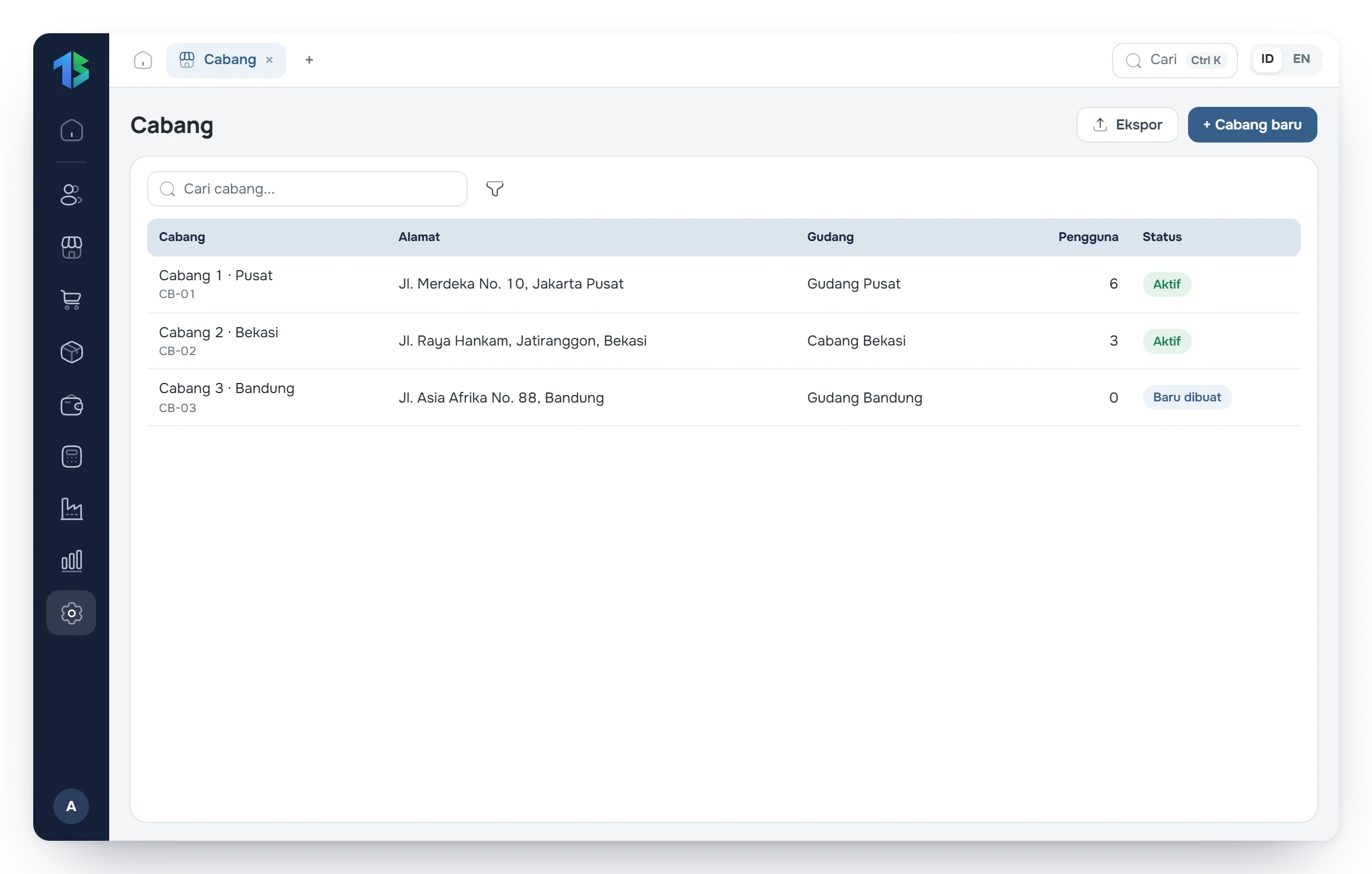
BranchesStep 1 of 5
Add branches and assign their users.
Add a branch and choose which users work there. Transactions and reports can be split per branch.
- Access per branch
- Users per branch
Support from the Tatta team when you need it.
Live chat
Ask right from inside the app.
WhatsApp
Ask about issues or needs on WhatsApp.
Support tickets
Report technical issues and attach screenshots.
User guide
Step-by-step guides to using Tatta.