- Home
- Tatta for Agribusiness
Manage harvest stock across warehouses, until every buyer invoice is paid.
Record incoming harvests and farm input purchases, move commodities between warehouses with a Transfer document, then issue sales invoices with their due dates. Stock reports and the books come from the same transactions.
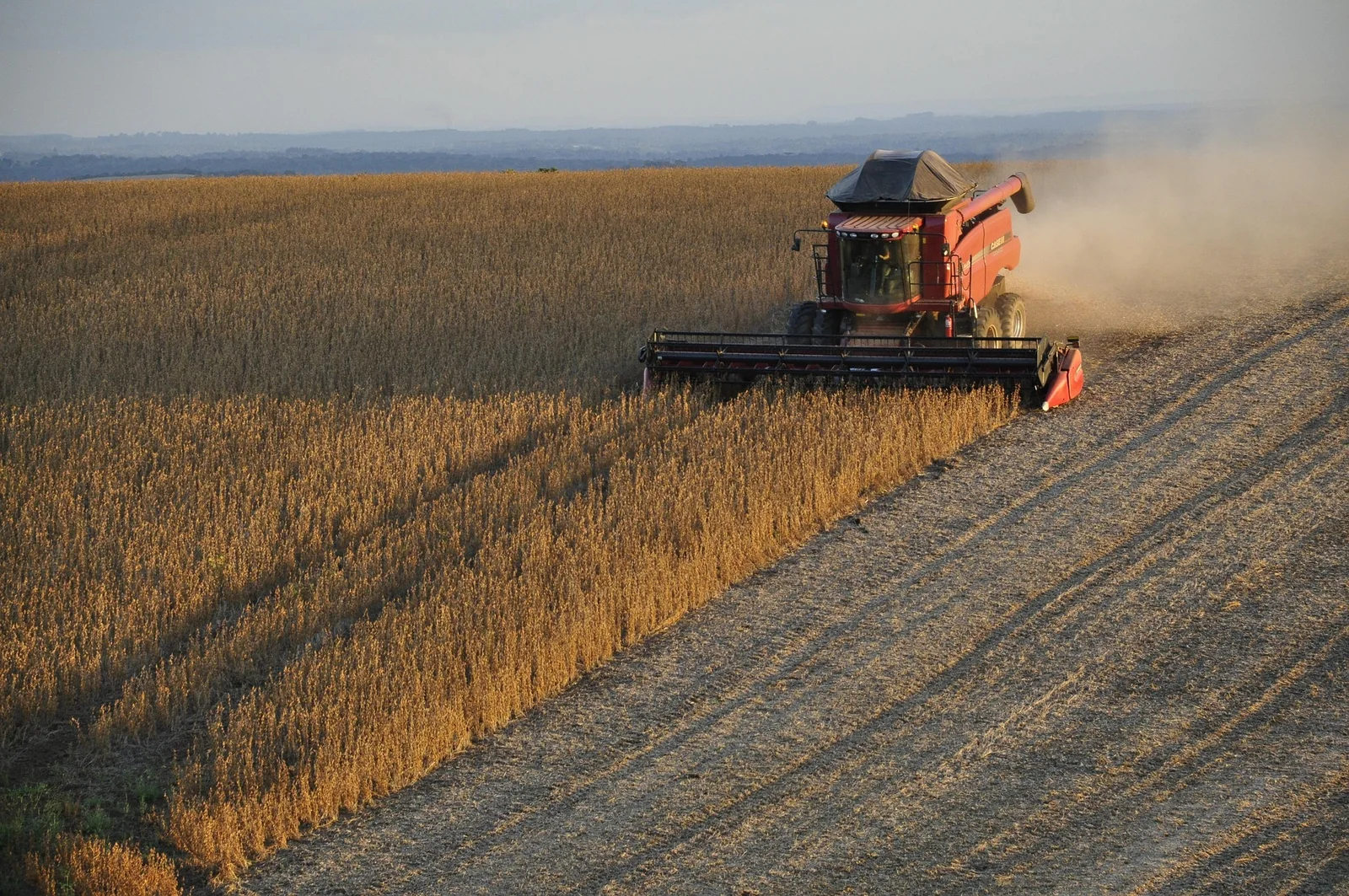
Track commodities from harvest intake until the buyer pays
- Challenge 1
Harvest stock spread across many collection warehouses
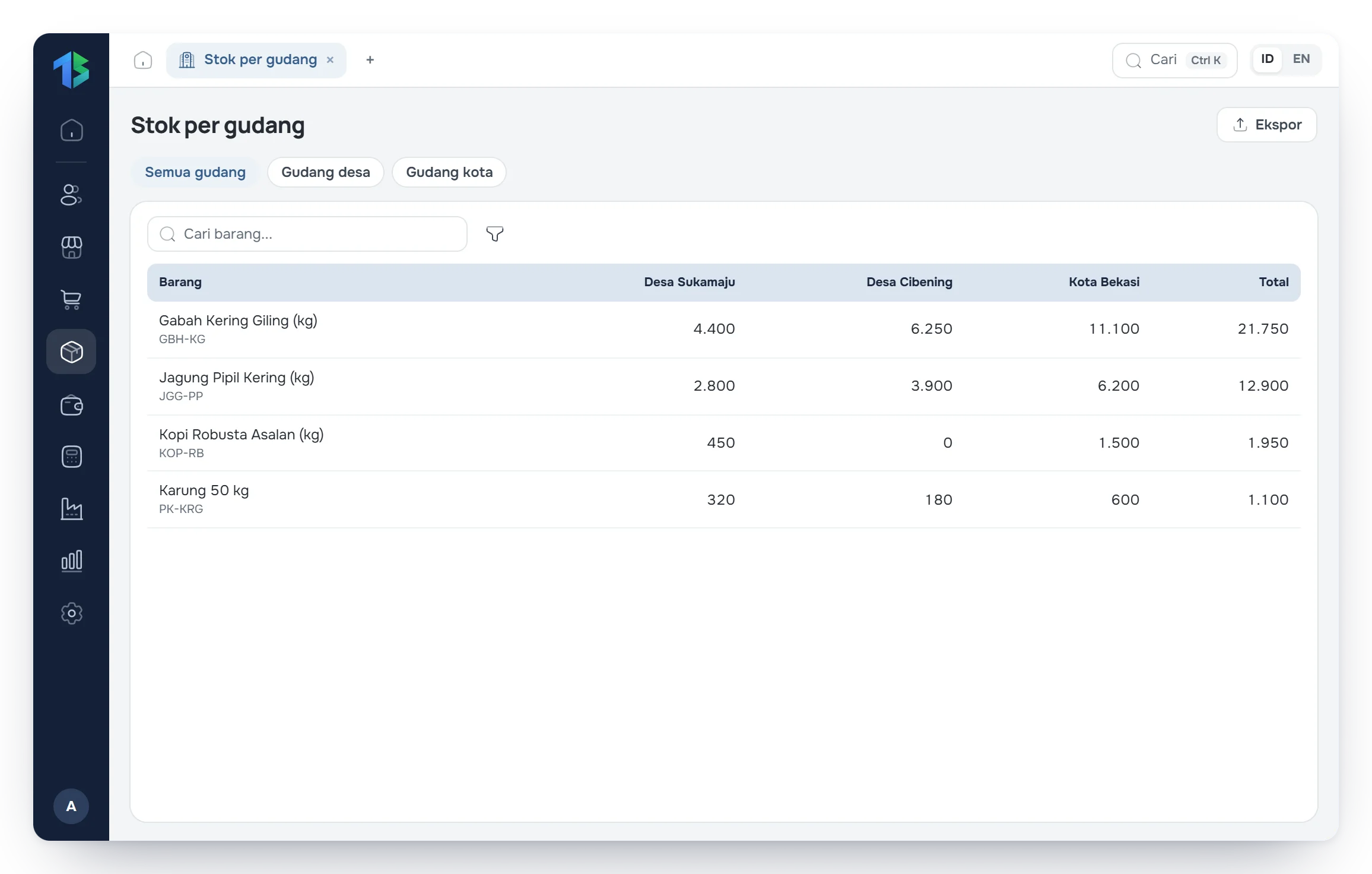
Stock in every warehouse shows on one screen, with the history of transfers between locations.
- Challenge 2
Commodity buyers pay in installments
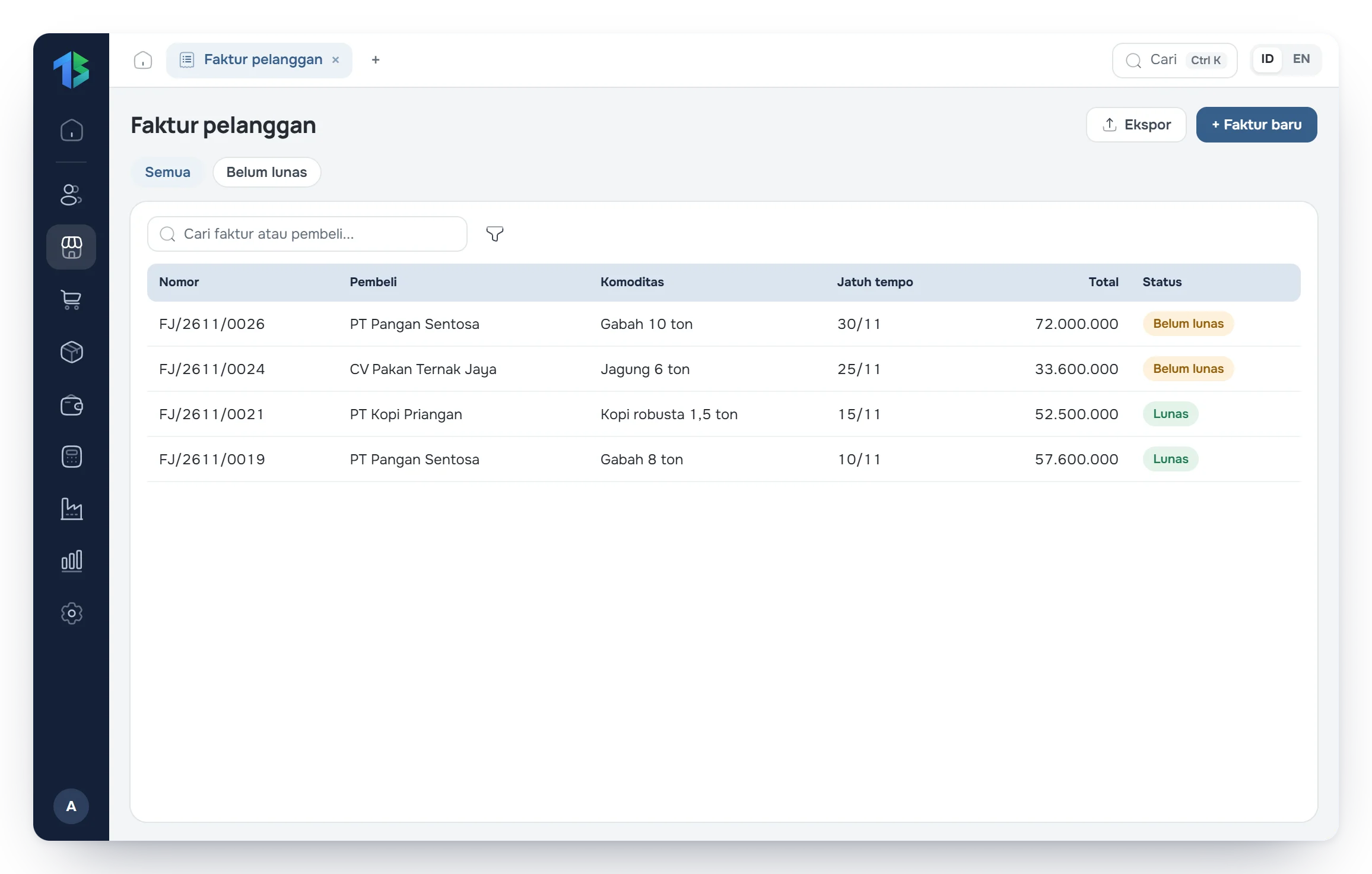
Every down payment and partial payment is recorded against its invoice, so the remaining balance is always clear.
- Challenge 3
Season-end harvest recaps still compiled by hand
Stock movement, commodity sales, and profit and loss reports can be pulled for any period.
Tatta for agribusiness
Here is how Tatta solves it
The views below follow Tatta menus set up for this kind of business.
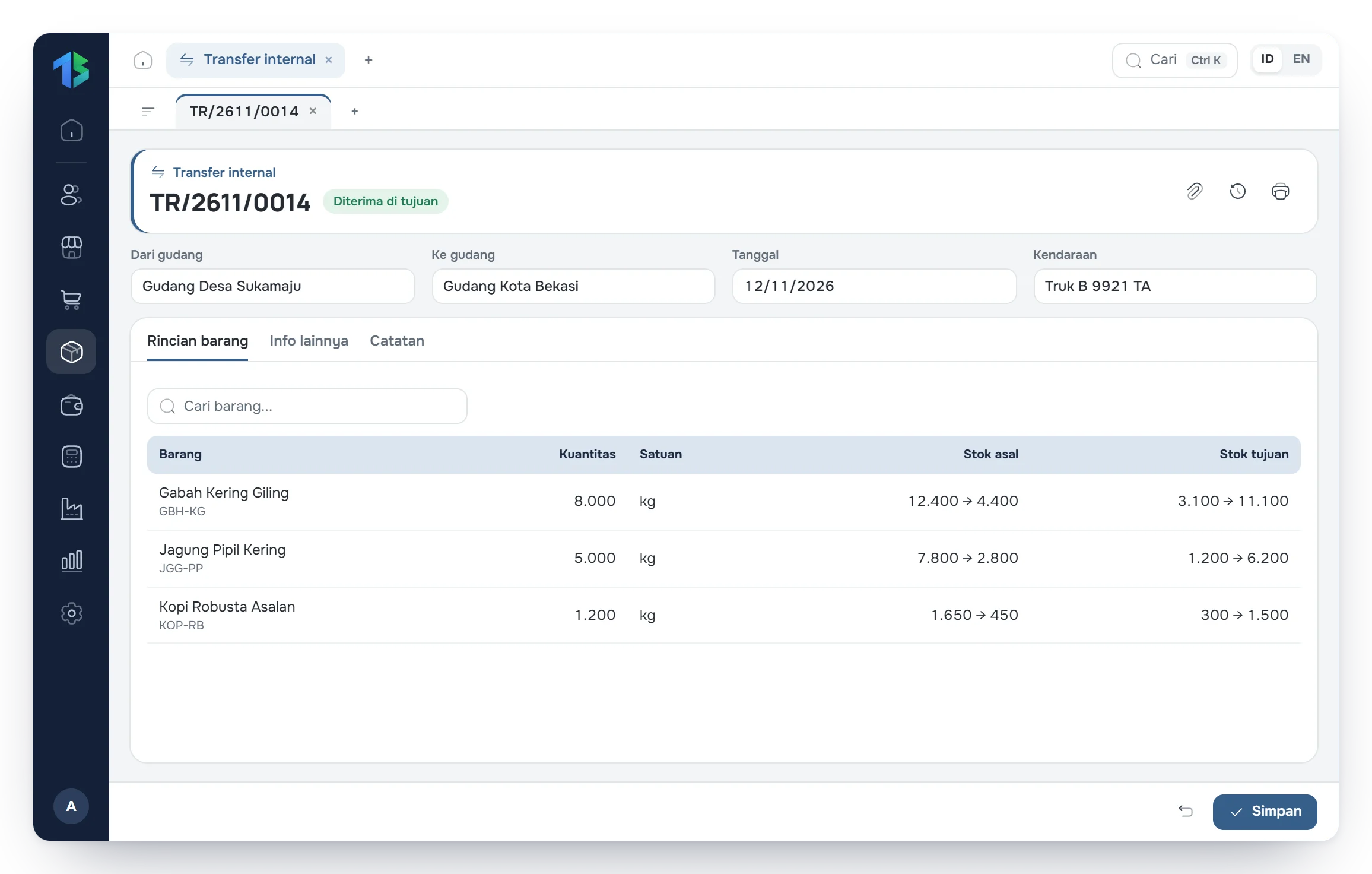
Move harvests between warehouses with every document on record.
Record shipments of paddy, corn, or coffee beans from village collection warehouses to distribution warehouses in town. Stock goes down at the source warehouse and up at the destination according to the transfer document.
- Transfer documents between warehouses
- Kilograms, quintals, tons, or sacks
- Source and destination stock updated
Your workflow in Tatta
The routine for agribusiness, from recording data to reading the reports.
Step 1: Record incoming harvests or purchased commodities into collection warehouses.
Step 2: Move commodities to processing or distribution warehouses.
Step 3: Create sales invoices and record payments from buyers.
Step 4: Review stock reports and financial performance at the end of each season.
FAQ
Frequently asked questions
Can't find your answer? Our team can help over chat, WhatsApp or email.